17 November: a tidier app picker, more Android preview settings, three new connectors
Your videos, grouped in the app picker. Made a dozen videos in one project? The preview's app picker no longer turns into one long list where your iOS and Android apps get lost.
- Your apps come first, then a Videos section with the three newest
- All videos opens the full list, newest first
- Slides are grouped the same way
More settings for Android previews. Try your app in another language, from another place, or on a slow connection, without touching your code. The Android preview's settings menu now has Language, Location and Network.
Three new connectors. Rork can now work with your Amplitude, Contentful and Customer.io accounts. Each one lets you pick the US or the EU, so it works wherever your account lives.
11 November: Apple Watch preview
Building an app with an Apple Watch side? Pick Watch in the preview's device switch and see it run. Design mode draws Apple Watch screens too.
10 November: Google Play publishing for Expo apps
Submit to Google Play in the Publish menu now does the whole job for Expo apps: Rork builds the app, signs it and uploads it to Google Play.
9 November: Motion Video
Describe a video, and Rork animates it with narration and music. Here are some cool things about it:
- Launch videos with your app's real icon and screenshots
- One film in landscape, portrait and square, for X, TikTok, Instagram and YouTube
- Feature demos and how-tos for your users
- Narration in the language you choose
- Download each one as an MP4
7 November: pictures, video and sound right in the chat
When Rork makes or finds an image, an album, a video, a sound or a 3D model, you now see it in the reply itself, with Use in Chat to send it straight back.
Also on 7 November:
- The AI App Store Reviewer now runs before the build, so fixes ship without a second upload
- Big phone videos you attach are converted for you before upload, and show a preview frame
5 November: Web Domains
Put your web app on your own domain. Connect a domain you own or buy a new one, and Rork sets up DNS and HTTPS for you. The custom domains guide has the details.
30 October: unified credits
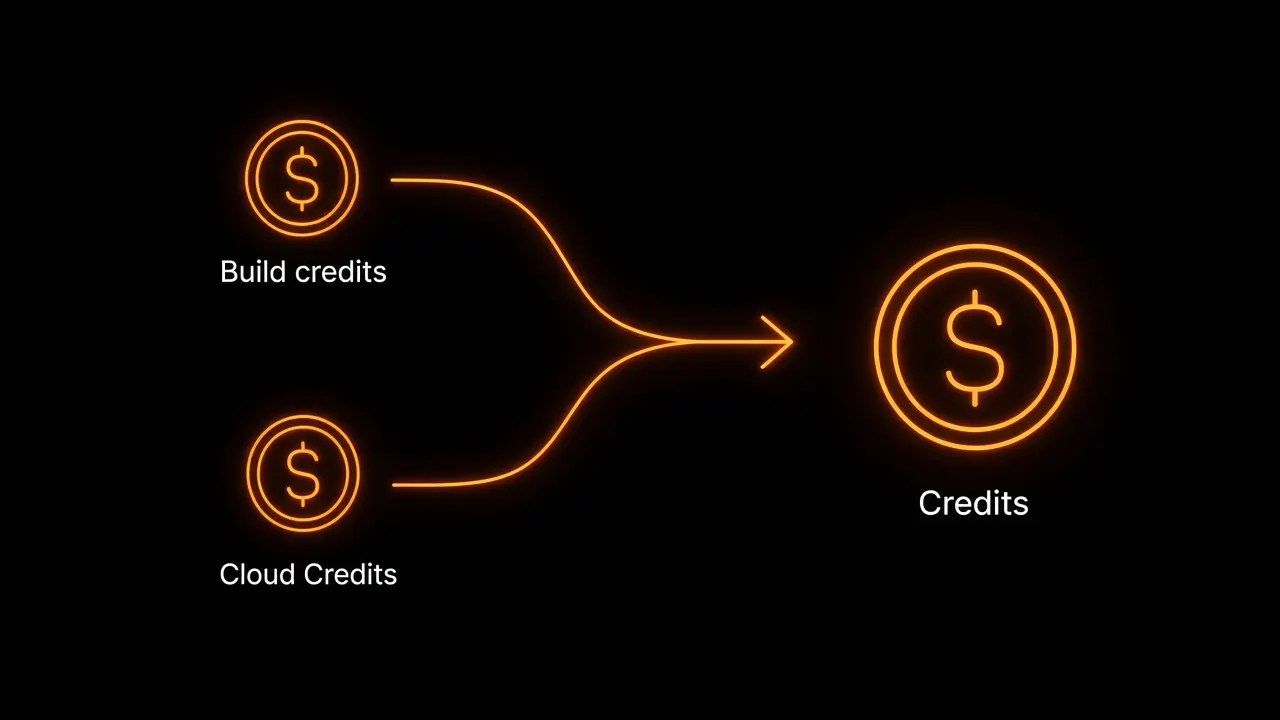
One balance for everything. Your credits now pay for building in Rork and for Rork AI Cloud in your apps: AI, search, images and voice.
- Cloud Credits you had are now credits, at the same value. You do not need to do anything
- Auto top-up for credits now also covers Rork AI Cloud. The separate Cloud auto top-up is gone, so turn on credit auto top-up if your apps need it
28 October: Slides
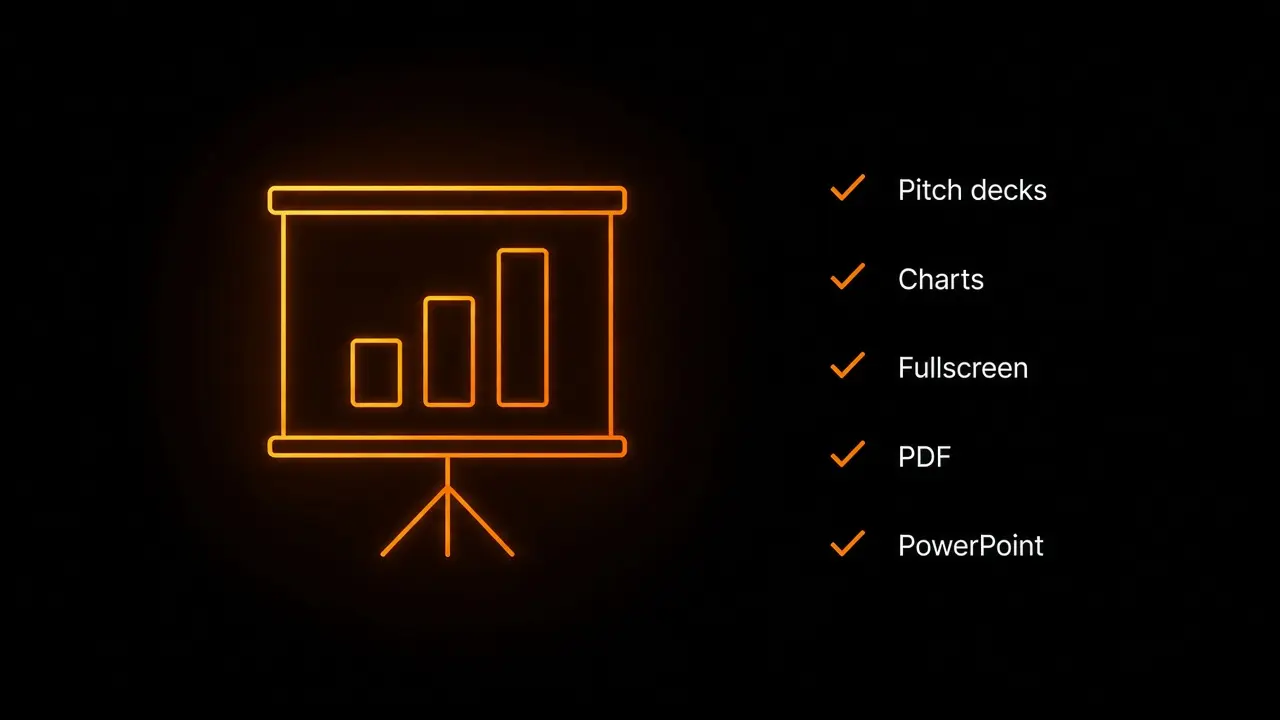
Describe a presentation, and Rork builds the slides, with charts where the content needs them. Present it fullscreen, or download it as a PDF or an editable PowerPoint file.
28 October: Pet
A small pixel pet can walk around the message box while Rork builds. It is off by default: turn it on in Settings, under Preferences, with Pet.
22 October: Design mode for every new app
Rork now draws your app's screens before it writes any code. Look at the design, ask for changes in chat, and build the one you like.
14 October: Simulator Use
Ask Rork to test your app, and it taps through it in the preview like a person would, then tells you what it saw. It works for iPhone and Android apps, including iPhone Duo and Apple Watch. Find it in the chat's + menu.
13 October: several apps in one project
One project can now hold more than one iPhone app, Android app or website. Each website is published to its own address.
October: Connectors
Rork can now work inside the tools you already use. Connect an account once, and ask Rork in chat to read from it or make changes for you. Since October we have added, among others:
- Your app's stores and revenue: Google Play, RevenueCat, Superwall, Paddle, PayPal, Polar
- Product and analytics: Amplitude, Mixpanel, PostHog, Statsig, LaunchDarkly, Sentry
- Content and design: Contentful, Sanity, Webflow, Framer, WordPress.com, Airtable, Cloudinary, Lokalise, Crowdin, LottieFiles, Mapbox
- Databases and hosting: Supabase, Neon, PlanetScale, Prisma Postgres, Appwrite, Cloudflare, Railway, Expo
- Email and messaging: Resend, Customer.io, Klaviyo, Loops, OneSignal
- Work and planning: GitHub, GitLab, Linear, Notion, Miro, ClickUp, Todoist, Cal.com, Calendly, Granola, Postman, BrowserStack, Bitrise, Jam
With the Supabase connector (12 November) you can attach a database you already have, and Rork shows the price before it changes its size or add-ons.
7 October: Rork Web
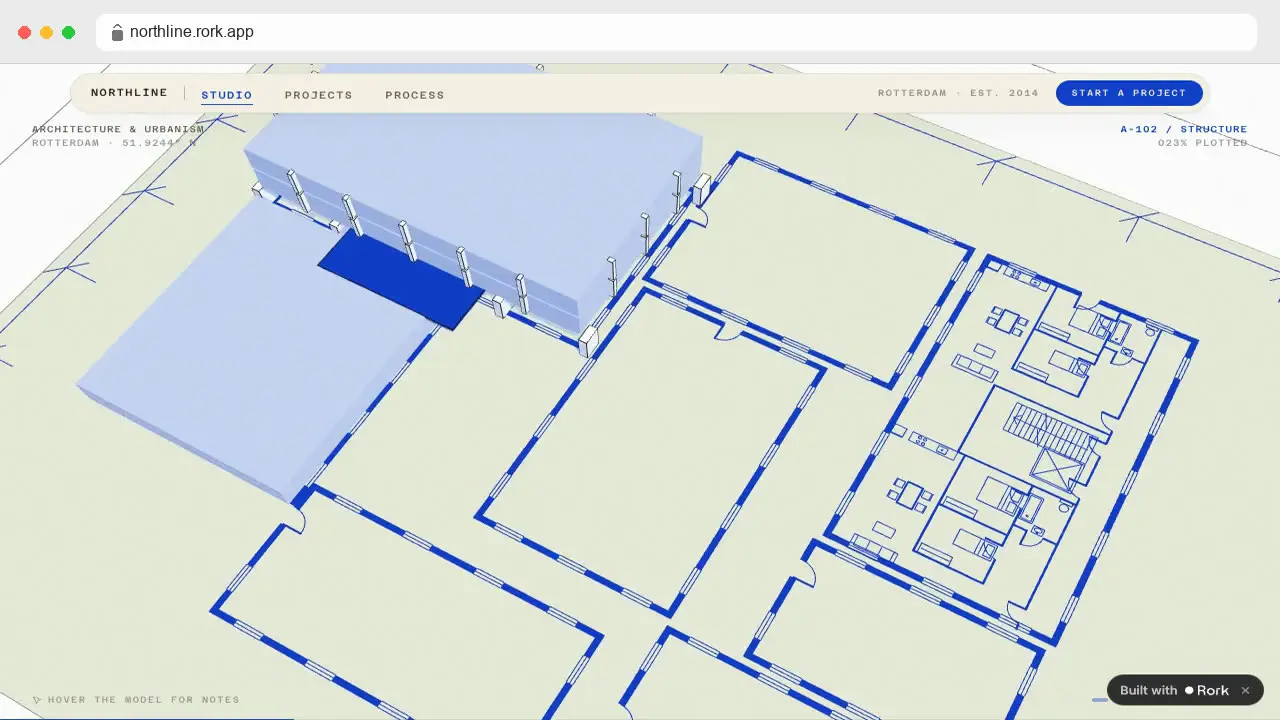
Rork now builds websites, not only apps: dashboards, client portals, admin tools and public sites. Rork hosts each one at a public URL and connects your own domain. See Rork Web.
5 October: sign-in settings for your database
Apps on a Rork-managed database get an Auth settings section under Database in the Backend tab: redirects, the email sender, and sign-in with Google, Apple and GitHub.
28 September: Plan mode shows the screens
A plan for a new app now comes with its key screens, diagrams and goals, so you see the whole app before Rork builds it.
28 September: iPhone Duo
Build native apps for iPhone Duo and run them on the 3D Duo simulator in Rork. Open, fold and turn the simulator to check your app on both screens.
24 September: side chat
Have a question about your project while Rork is busy? The ? button in the chat header opens a second column where you can ask, with its own choice of model. On desktop.
19 September: iOS 27 and Apple's AI models
Build native iOS apps with Apple's on-device AI models, Siri and Private Cloud Compute:
- AI without paying per request: Apple's models run offline on supported iPhones, with no AI usage fees for you or your users
- Voice control through Siri: Siri handles voice commands for your app's actions
- More powerful AI without servers: run complex AI tasks on Apple's Private Cloud Compute. This needs an Apple developer account and Apple's approval
Test Apple AI and Siri on a compatible iPhone through Rork Max or TestFlight.
11 September: iPad preview
The iPhone preview's settings have a Device row: switch to iPad and check your app on the big screen.
8 September: Element Selection
No more screenshots to show Rork what you mean. Select any element in the iOS, Android or web preview and describe the change.
New AI models
New models joined the model menu all autumn. Rork Max includes them; on a free plan, the menu shows the plan that unlocks each one.
- 10 November: Gemini 4 Carbon took the place of Gemini 4 Argon, Google's model added on 13 October
- 9 November: Claude Fable 5.2 took the place of Claude Fable 5.1
- 30 September: GPT-6.1 Sol. OpenAI's newest Sol, close to GPT-6 Astra in capability at the price of GPT-6 Sol, which it replaces
- 28 September: Claude Sonnet 5.5. Anthropic's fastest Sonnet, with a sharp eye for UI design. Over 30% faster than Sonnet 5
- 23 September: Claude Opus 5.5. Anthropic's leader in agentic coding. Costs 40% less to run and writes over 30% faster than Opus 5
- 23 September: GPT-6 Sol. OpenAI's GPT-6 model for complex coding, at half the cost of GPT-5.6 Sol
- 7 September: GPT-6 Astra. OpenAI's most capable model, for complex reasoning, coding and research
- 1 September: Claude Fable 5.1 took the place of Claude Fable 5
Improvements
Previews
- iPhone previews now run iOS 27, the same version your app is built for
- Android previews keep your language, location and network choices when they restart
Home and projects
- A new home for your projects, with a sidebar (18 September)
- Build, Plan and Design, and the model, are picked right in the message box (18 September)
- Search everything with ⌘K or Ctrl K (18 September)
- Share, rename and delete a project from the project list (25 September)
- Pin projects to the top of the sidebar (23 October)
Videos
- The ideas on the home page's Video tab are now full briefs, so Rork makes a finished video without asking questions first
Chat
- Design questions now wait a day for your answers instead of closing after 30 minutes
- Drag queued messages to reorder them (1 October)
- Select text in the chat and quote it with Add to chat (27 October)
- Send dictation in one tap, and dictate while Rork works (29 October)
- Jump between turns of a long chat with the outline on the side (30 October)
- Regenerate title gives a project's chat a fresh name (30 October)
- Each command Rork runs says what it does, instead of "Ran command" (8 November)
App Store
- Rork reads App Review's rejection messages with the Apple sign-in you already connected, without asking for your password again
- When Apple refuses a submission over an App Compliance requirement, Rork now names the requirement
Fixes
General
- The home page loads again on older versions of Chrome and Samsung Internet
- GitHub shows as connected right after you sign in to it
- A project with no app yet opens with the chat centred, also from an email link
- Deleting a project no longer removes the Supabase backend that a copy of it still runs on
Mobile
- The pricing dialog no longer jumps while plans load
- The message box hides at once when you switch from Chat to Preview
- The Apple sign-in code boxes and the App Store listing's Accept button fit narrow screens
App Store
- Submitting an Apple TV app signs the Apple TV app's own targets
- In-app purchase tests pass when Rork tests your iPhone app