How Rork Backend works
See how Rork sets up and hosts your app’s backend.
5:48 · English audio
Read the guide- What you get
- Accounts, shared data across devices, access rules, and server-side functions.
- Setup
- Ask “Add a backend” in chat and confirm. Rork connects it to your app.
- Pricing
- Free during beta. Building uses Build credits. AI inside your app uses Cloud credits.
- After you cancel
- Your app and backend keep running after you cancel your Rork subscription. Your data stays.
- Your own Supabase
- Transfer your backend and data to your Supabase account. The transfer is one-way; Supabase bills you directly afterwards.
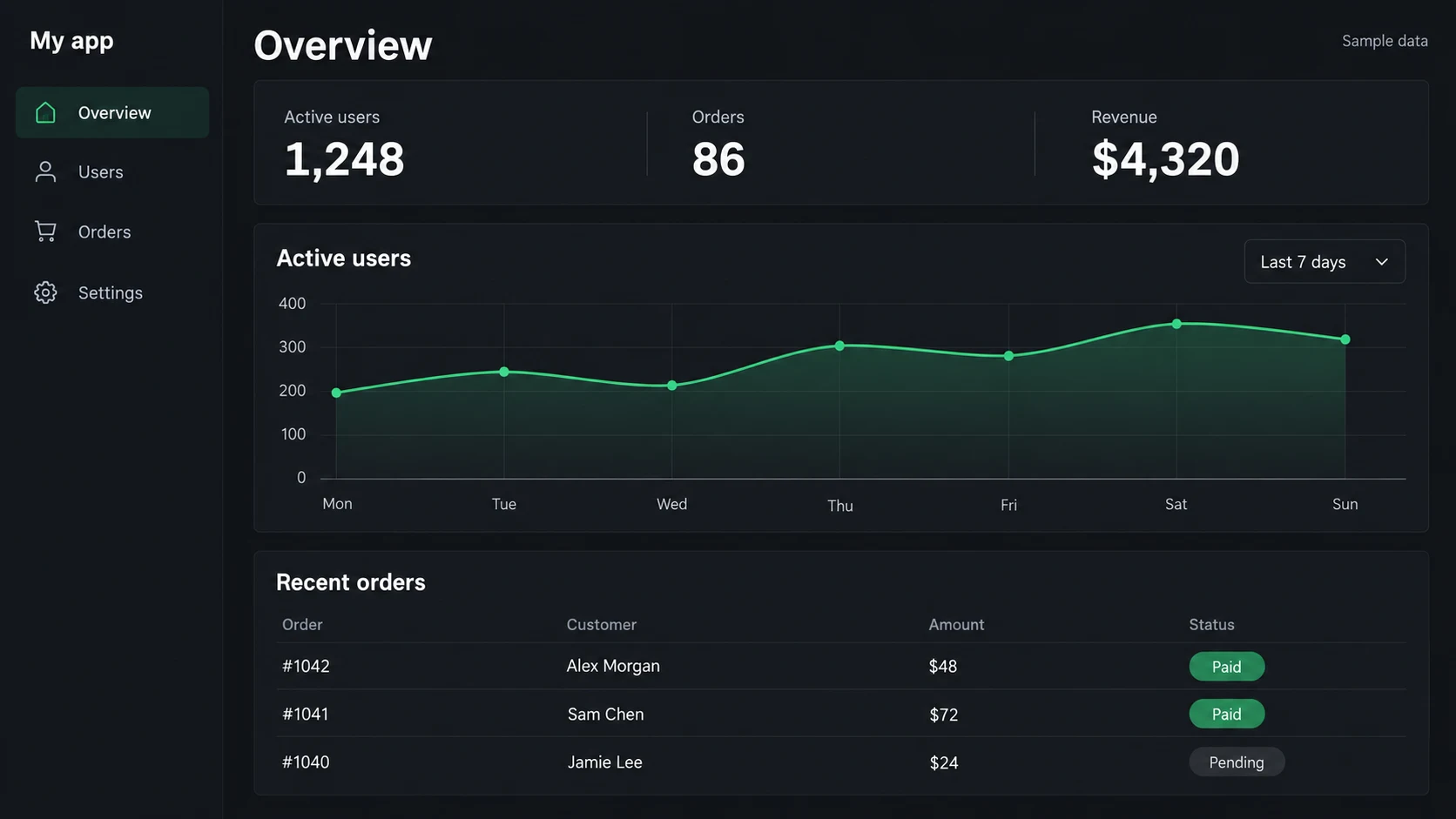
Ask Rork for an admin panel
“Build an admin panel to manage my app’s users and orders, and track analytics.”
Or use your own backend with Supabase
If you already have a Supabase project or prefer to manage the backend in your own account, connect it to Rork.
2:45 · English audio
Read the guide