Ship a native Android app with Rork Android
A native Android app in Kotlin and Jetpack Compose. Rork writes the code, signs the bundle, and handles every release in Google Play.
Apps people build for Android in Rork
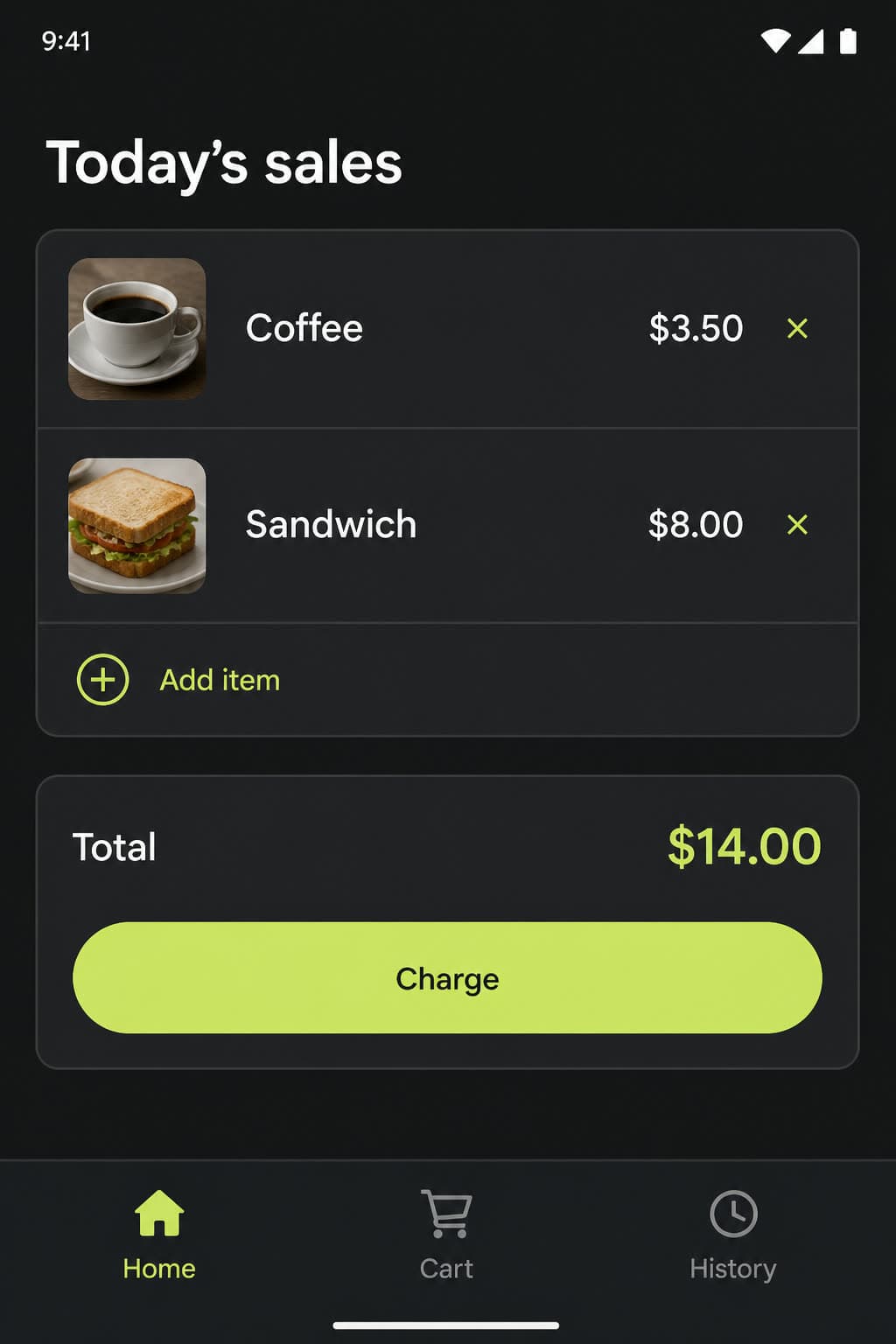
A point of sale app
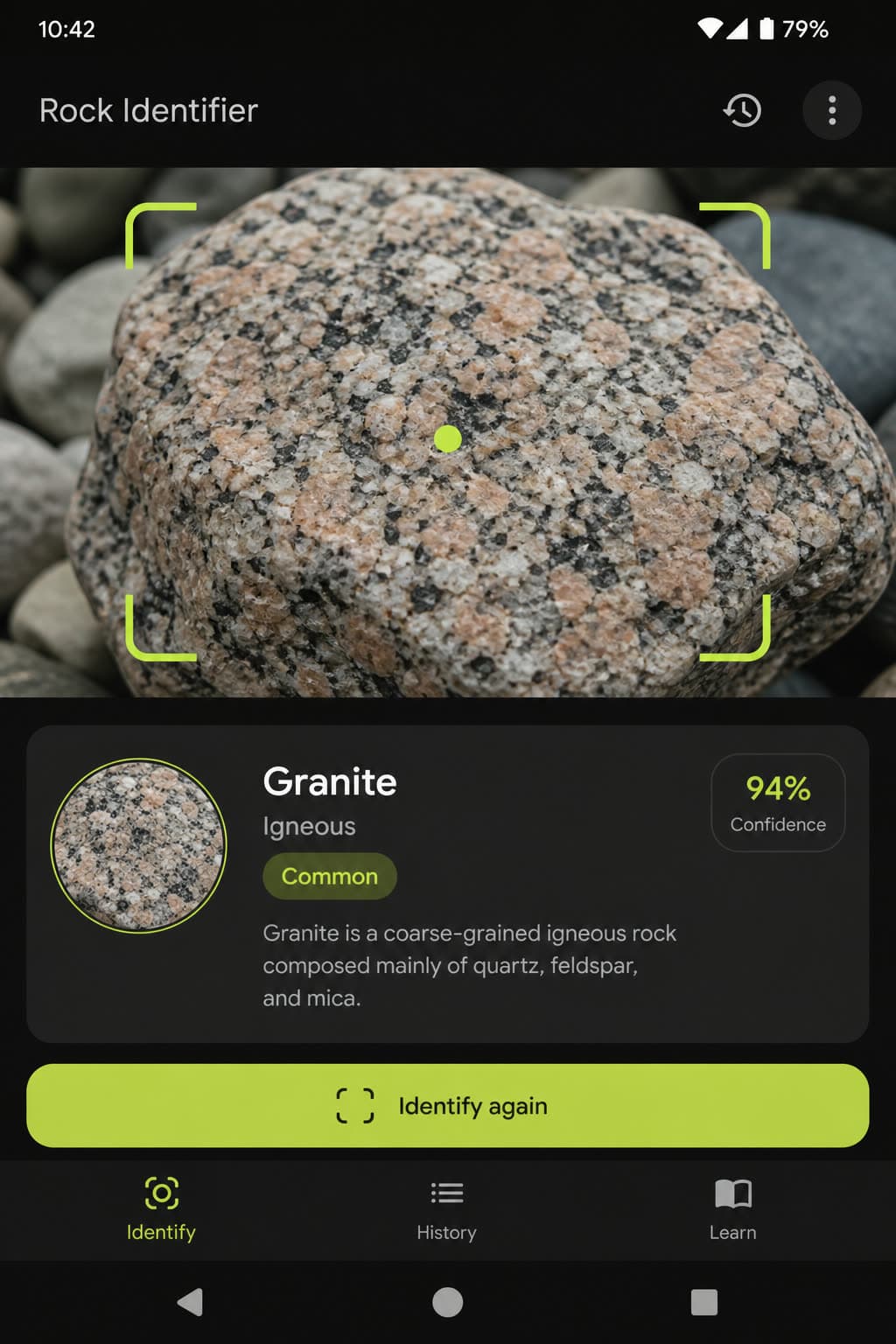
A rock identifier
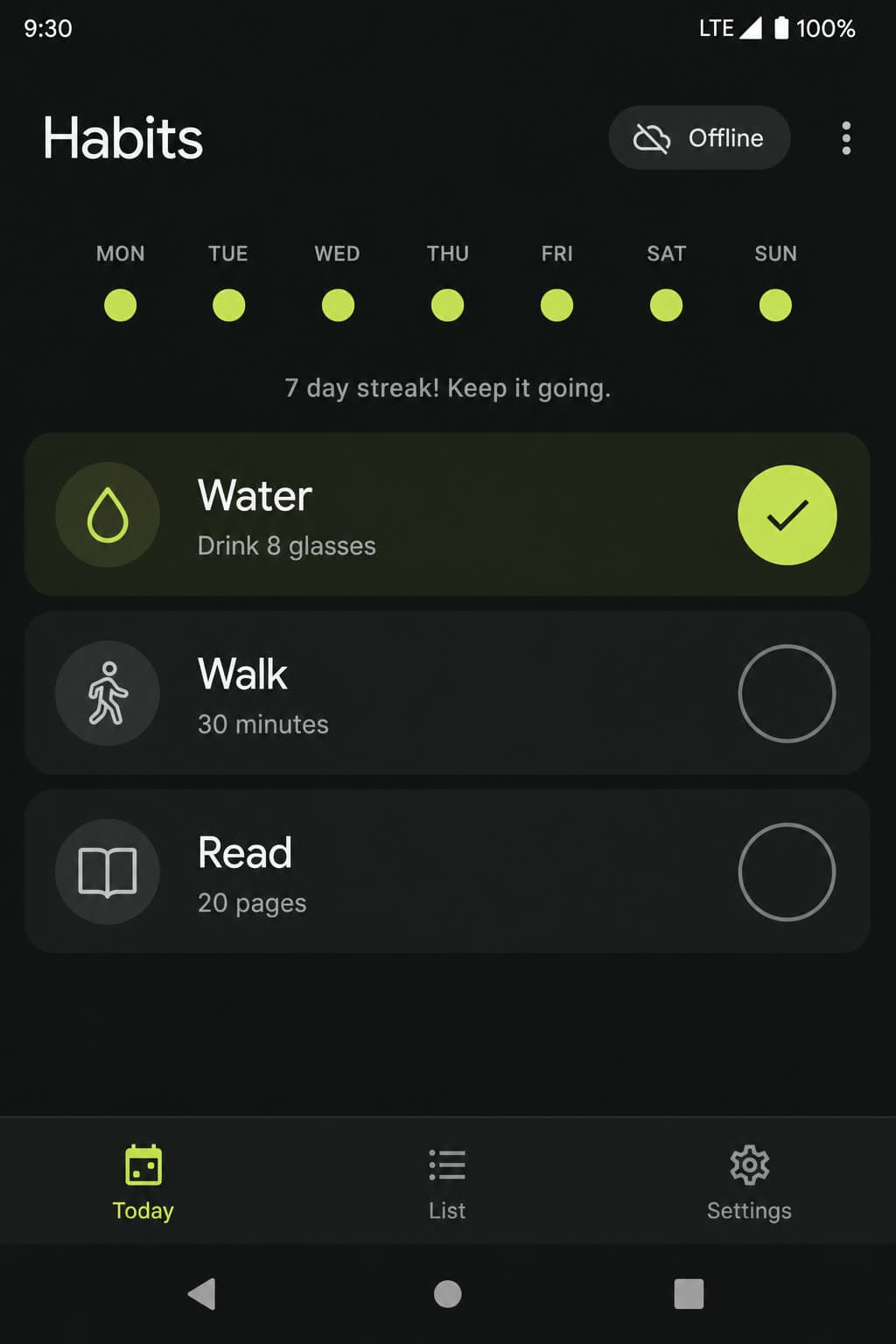
An offline habit tracker
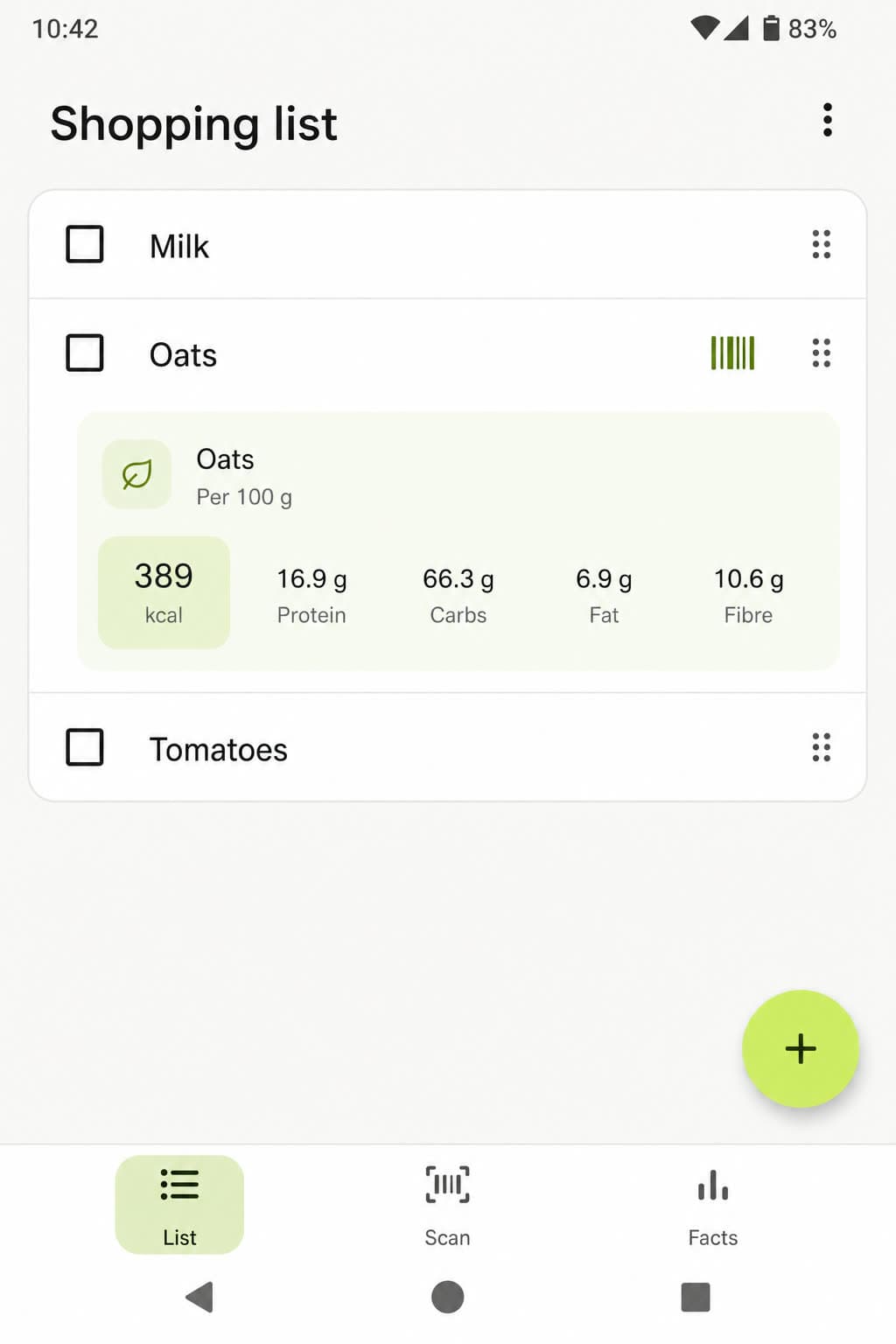
A shopping list that reads barcodes
What this looks like in Rork
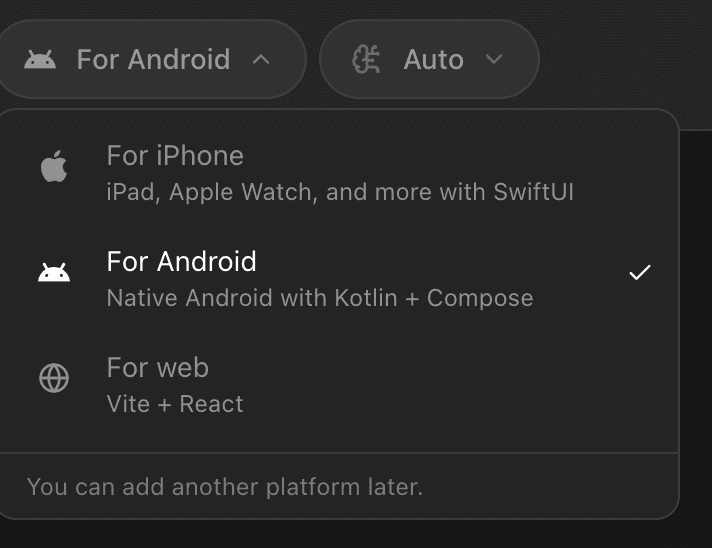
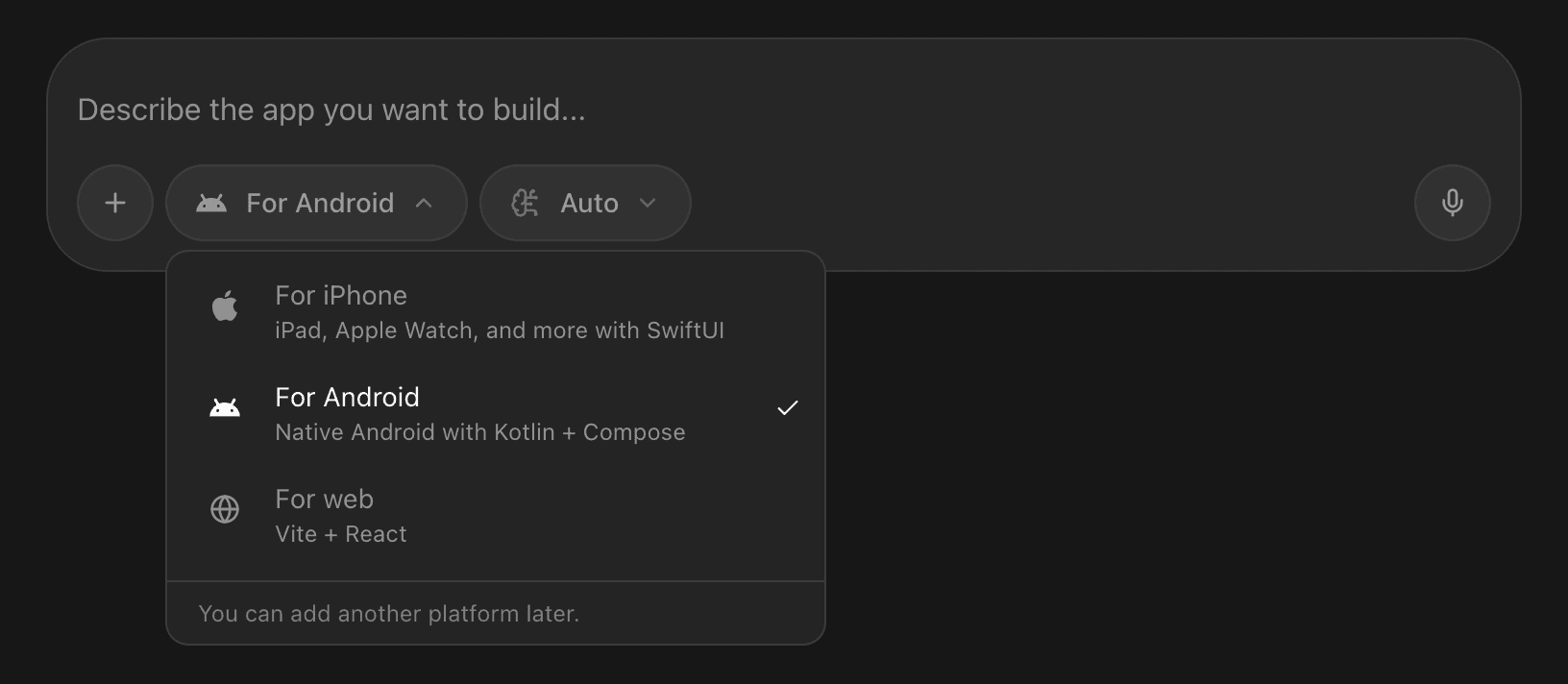
Pick Android in the composer
The switch sits next to the prompt, before you send the first message. Rork then opens a Kotlin and Jetpack Compose project, and you can add an iPhone or web app to it later.
Take your iPhone app to Android
Watch an existing iPhone app become a native Android app, then open the Google Play flow to connect an account and prepare the App Bundle.
4:27 · English audio
Read the guideWhat Android apps can I make?
Nine that people built in Rork, with the prompt each one started from.
The Android version of an app you already ship on iPhone
“Make an exact clone of my iOS app, but build it for Android.”
A point of sale app for the counter
“A point of sale app with a product list, a cart, and a daily sales total.”
A stock room your staff can update from a phone
“A storage app where I enter a location and see, add, or remove the items inside it.”
An identifier that works through the camera
“A rock identifying app: point the camera at a stone and show me what it is.”
A dash cam that uses both cameras at once
“Turn the phone into a dash cam: the back camera sees the road, the front camera sees the car.”
A companion app for a device you own
“Connect to my bike over Bluetooth, read its data, and let me change the settings.”
A shopping list that reads barcodes
“A shopping list with a barcode scanner that shows nutrition facts and calories.”
A tracker that works offline
“A habit tracker with a shopping list, dark mode, and everything stored offline.”
The books, without a spreadsheet
“Record every transaction, sort it into expense categories, and keep the ledger.”
Rork ships the app to Google Play for you
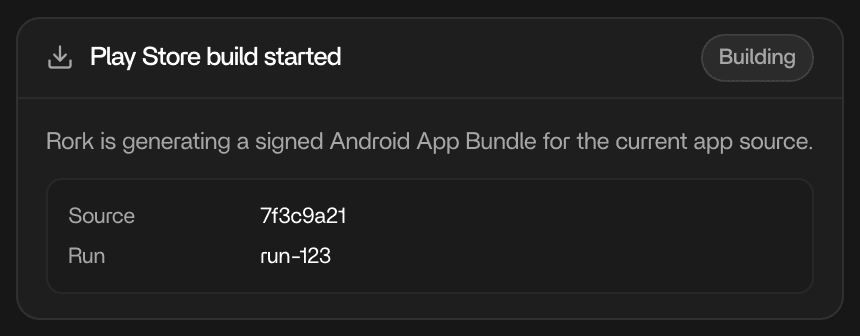
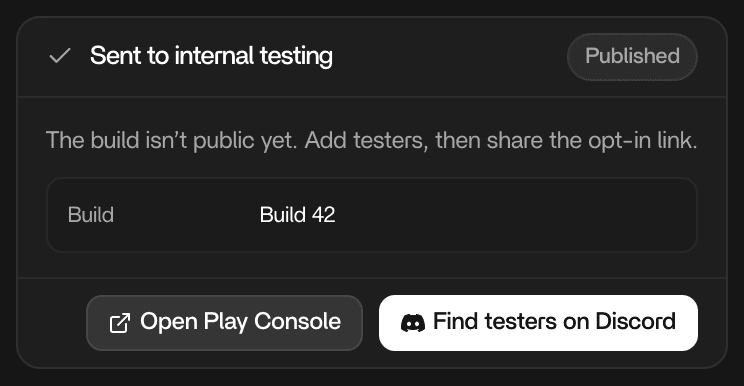
Ask for a release. Rork builds the AAB, signs it, and sends it to internal testing. You can find testers on the Rork Discord.
Build your app
Rork builds and signs your app.
Test it first
Invite testers to try a private release.
Publish your app
Release it after testing and Google’s review.
What the project includes
Jetpack Compose screens, the hardware on the phone, a cloud emulator, a backend, and a signed AAB that Rork builds for you.
Screens written in Jetpack Compose
Navigation, lists, forms, and state are Jetpack Compose. Ask for bottom navigation, Material controls, or system settings and that is what you get.
“Use bottom navigation with Home, Search, and Profile tabs.”
The hardware in the phone
Camera, Bluetooth, location, local storage, permission prompts, and work that keeps running in the background. You ask in the chat. Rork writes the Kotlin that calls those Android APIs.
“Connect to my device over Bluetooth and show the live readings.”
A phone in your browser
Run the app on a cloud Android emulator while you build. Take screenshots for the Play listing, or record the screen when something misbehaves.
“Show me this screen on a phone.”
Accounts and data, shared with your other apps
The same Rork Backend serves the Android app: managed Postgres, Google sign-in, file storage, server functions, and scheduled tasks. Rork Push is iPhone-only. It does not reach Android.
“Sign users in with Google and sync their data across devices.”
A signed Android App Bundle
Rork builds the AAB that Google Play expects and signs it with the project's upload key. You can download the file, or let Rork upload it to Play Console.
“Build me an AAB for Google Play.”
Questions
What kind of Android project does Rork create?
A Kotlin project: a native Android codebase, with the screens written in Jetpack Compose. Google Play receives it as a regular Android app, and you can read every file in the project.
Do I need a keystore or a signing key?
No. Rork signs the bundle with a persistent upload key for the project. Do not ask the agent to generate a keystore or SHA-1 inside the app code, because changing signing files can make Google Play reject the upload.
Do I need a Google Play developer account?
Yes, and the app record has to exist in Play Console before Rork can publish to it. Google's API cannot create a first public app listing, so you create the app once in Play Console with a package name that matches the project, and Rork handles every release after that.
Which track does a release go to?
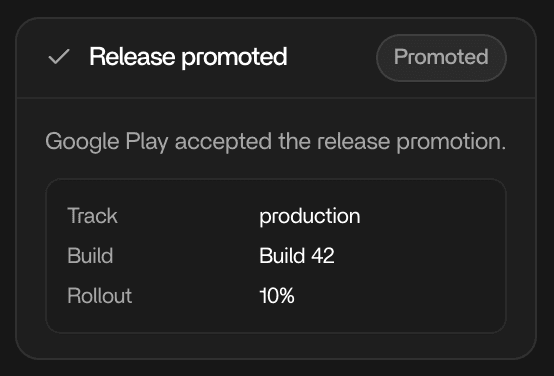
Rork uploads to internal testing first. From there it promotes the same release to closed testing, open testing, or production, and a production release can go out to a share of users that you increase, pause, or resume.
Can I upload the bundle myself?
Yes. When Play Console still needs manual setup, or you would rather do it by hand, download the signed AAB from Rork and upload it in Play Console as usual.
Why can my new account not go straight to production?
Google requires it. Personal developer accounts created after November 13, 2023 need a closed test with at least 12 testers opted in continuously for 14 days before they get production access. Internal testing does not satisfy that rule.
Can the same project also have an iPhone app?
Yes. A Kotlin app is Android only, but you can add an iPhone app or a web app to the same project later and share one backend between them.
Build it for Android
Describe the app and the screens. Rork writes the Kotlin, signs the bundle, and walks it to the Play Console.