Ship production web apps with Rork Web
Dashboards, client portals, admin tools, and public sites in Vite and React. Rork builds the app, hosts it at a public URL, and puts it on your own domain.
Sites people built in Rork.
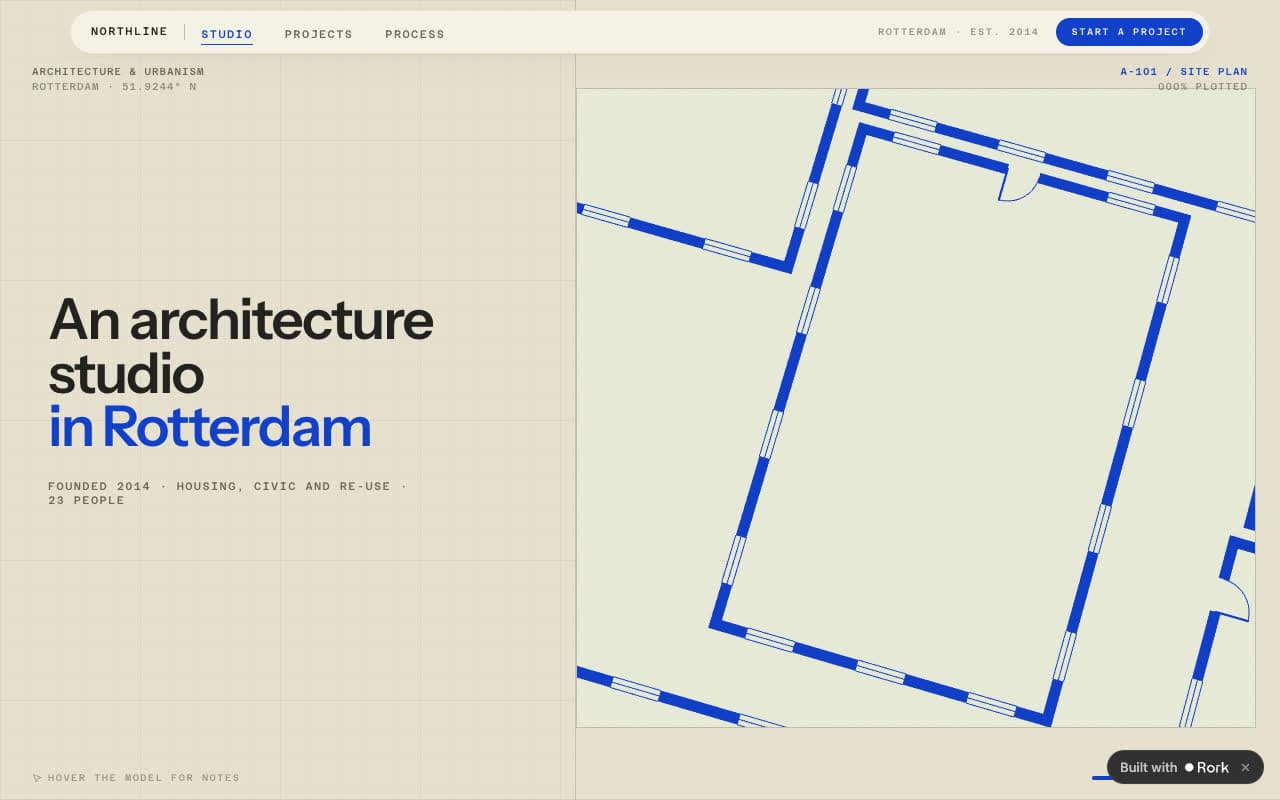
Northline
illoca-scroll-analysis.rork.appPortfolio for an architecture studio, with drawings you can explore.
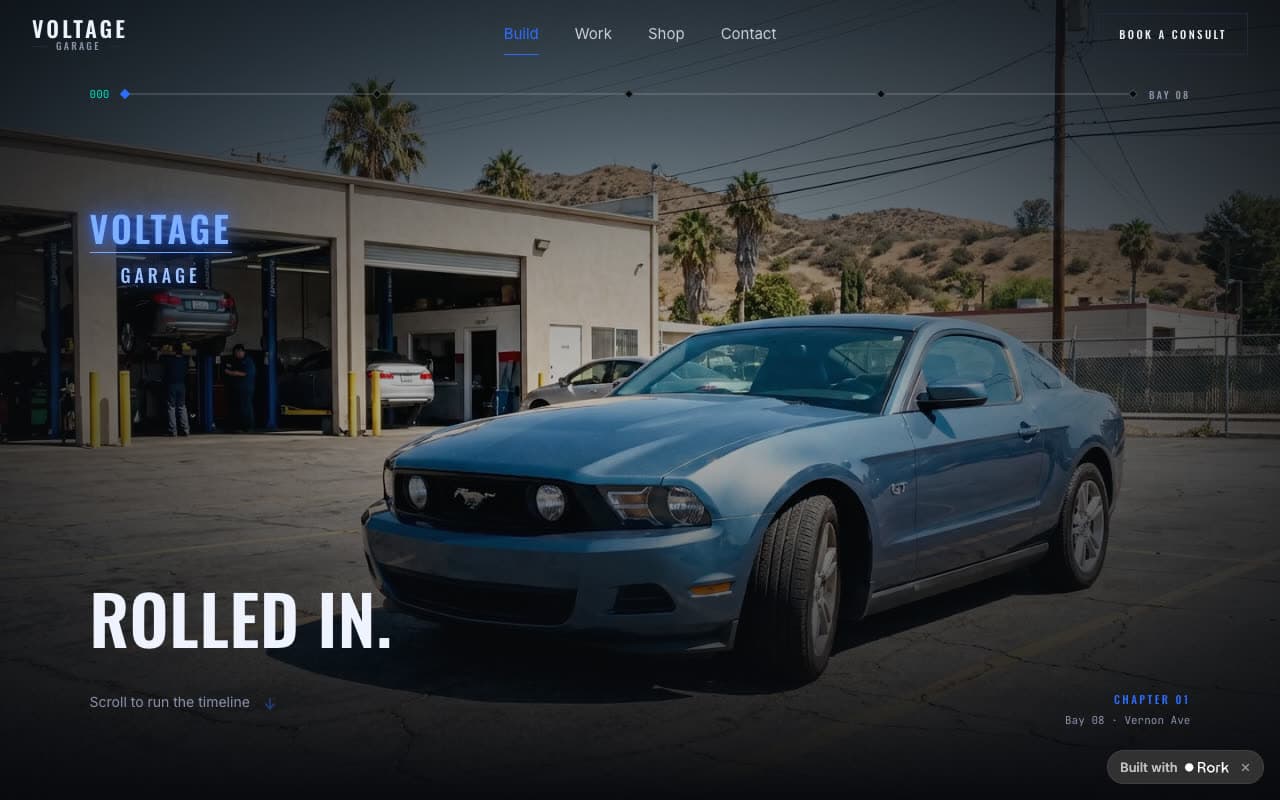
Voltage Garage
voltage.rork.appCustom car shop in Los Angeles, with a build configurator that quotes by body style.
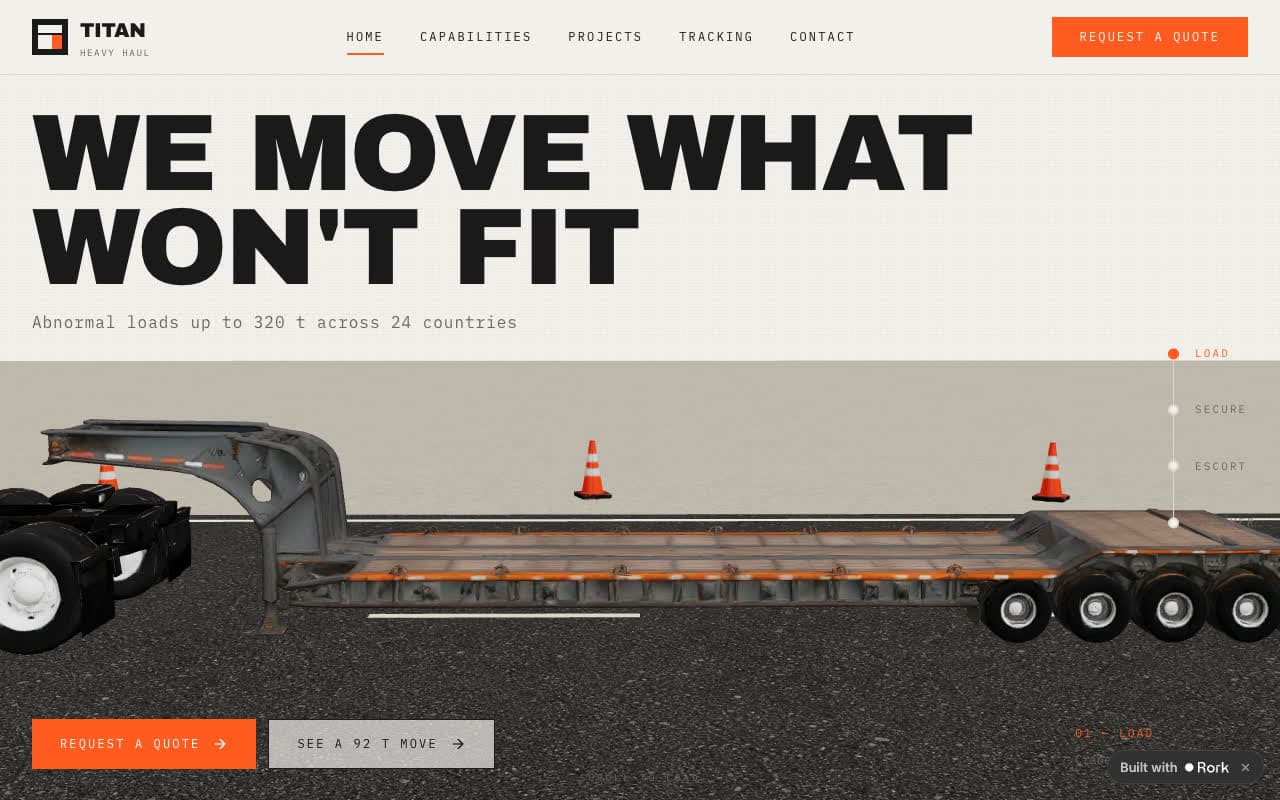
TITAN Heavy Haul
turbinelogistics.rork.appLogistics site for abnormal loads, with a 3D trailer that walks through a move.
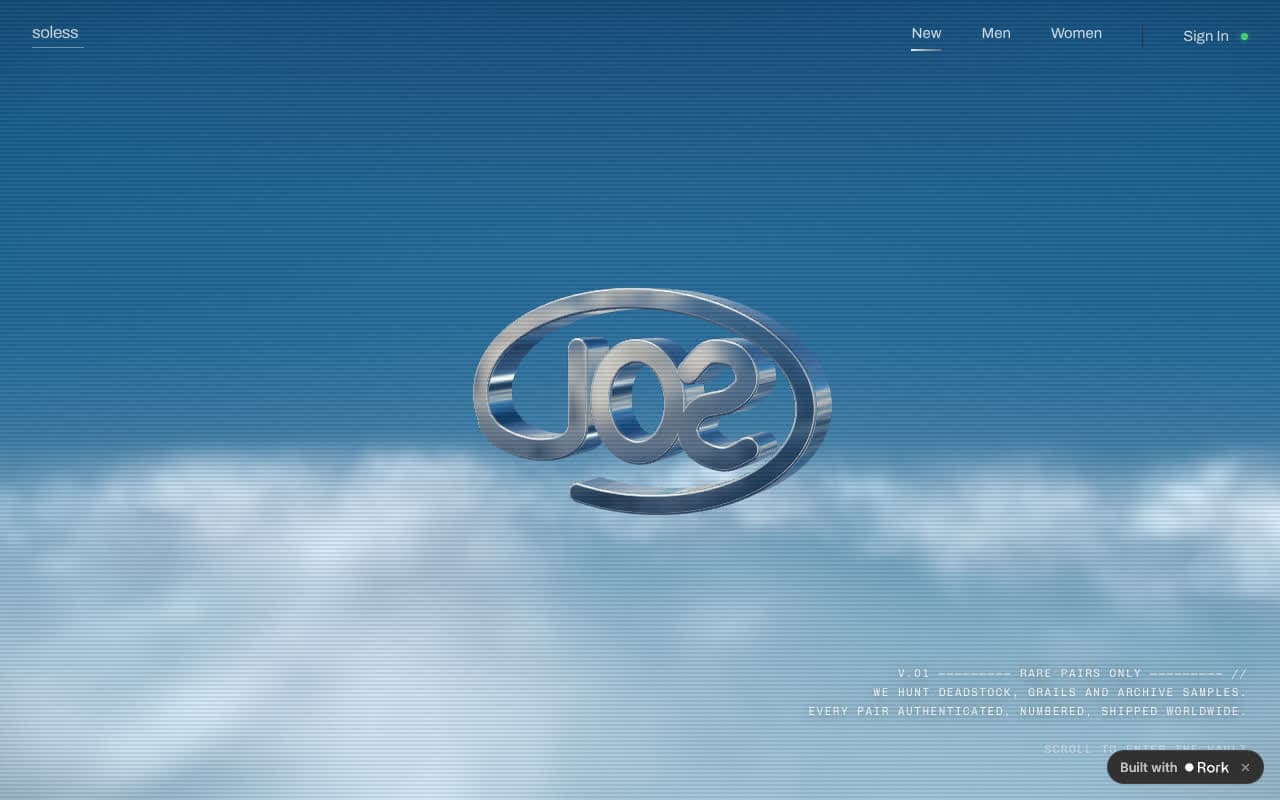
soless
solesshoes.rork.appSneaker resale store for deadstock, grails, and archive samples.
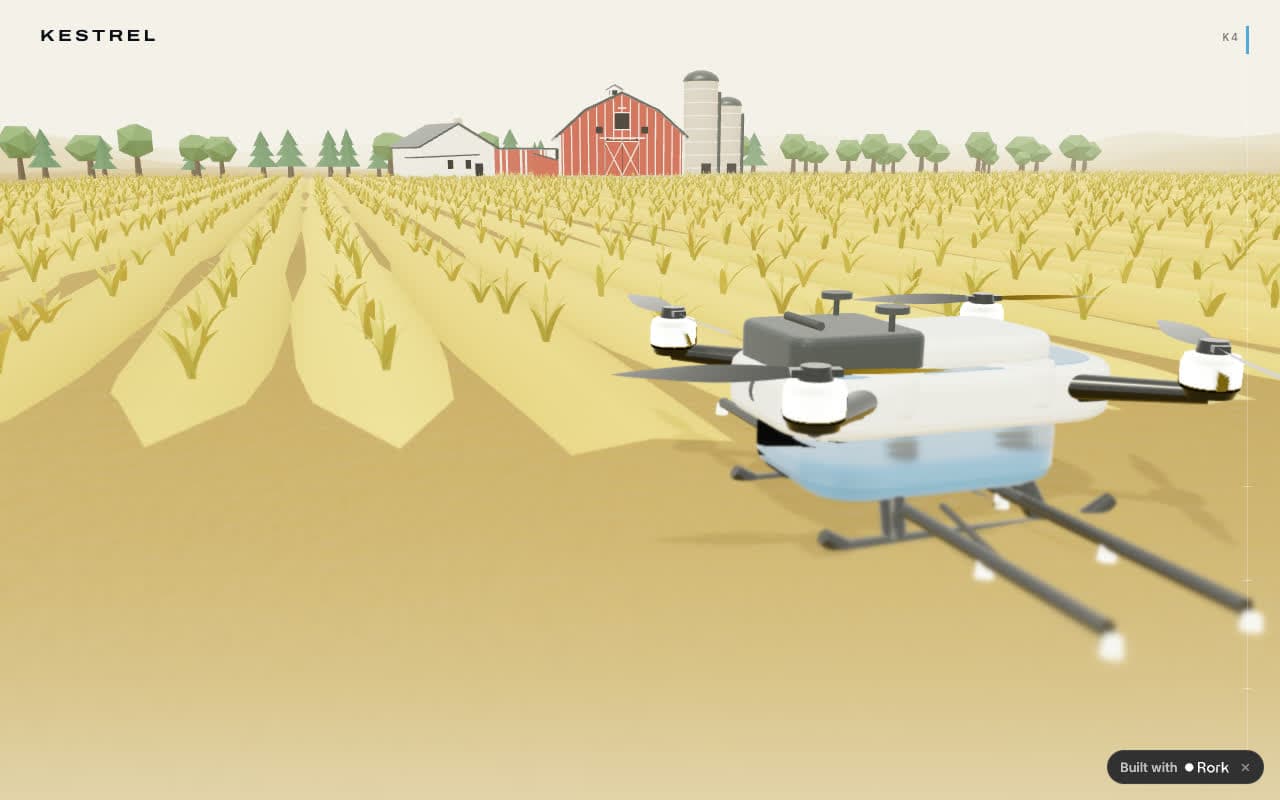
Kestrel K4
agridrone.rork.appProduct launch page for an agricultural drone, in a 3D field.
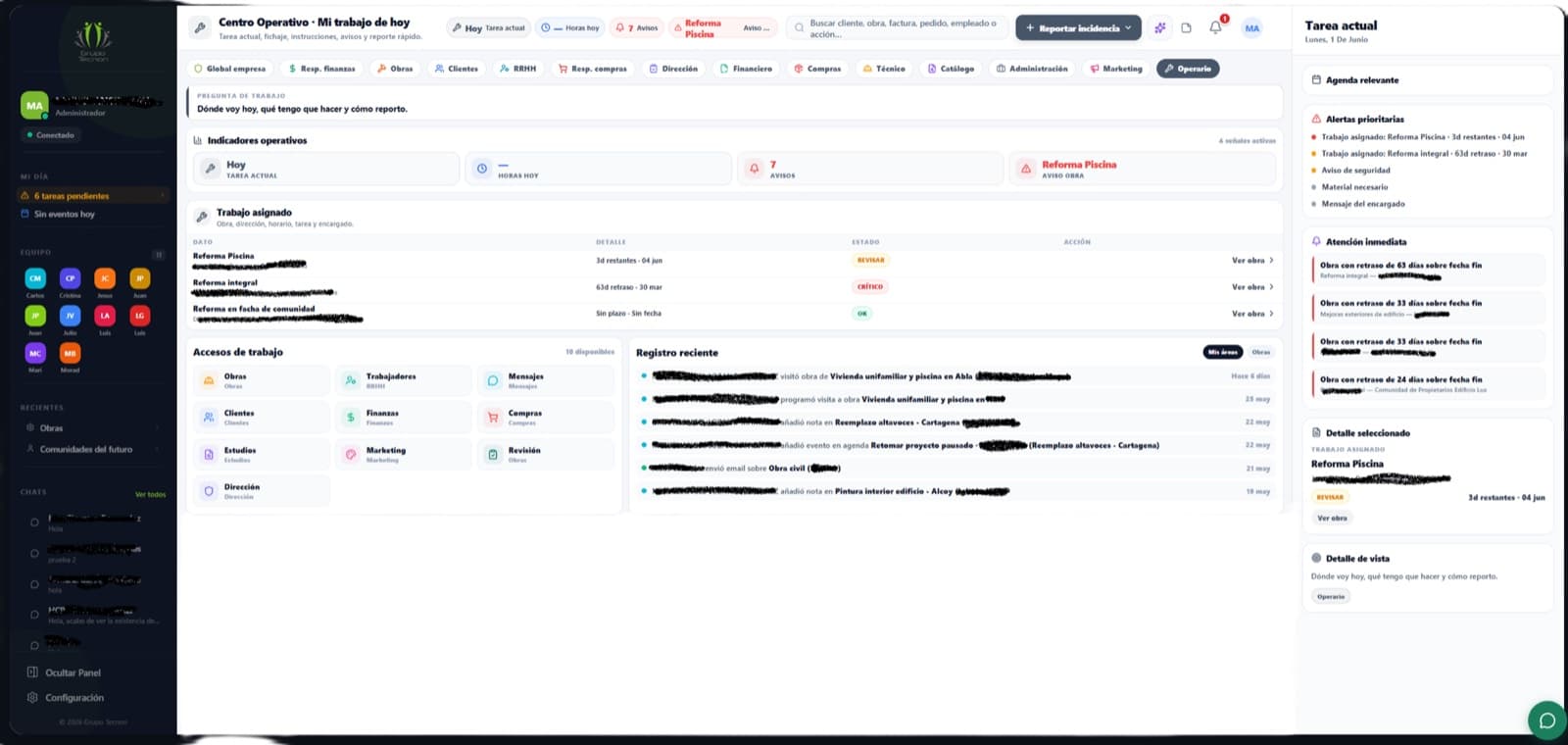
What websites can I make?
Features
Put it on your own domain.
Verify a domain you own, connect the root or one subdomain, and Rork issues and renews the SSL certificate at no extra cost. No Cloudflare account needed.
Hosted by Rork, live the moment you publish.
Publish from the project and the app is online at a public URL right away. Publish again to update the live site, and unpublish to take it offline without losing the URL.
The project is yours, code included.
Vite and React, with routes, components, and state you can open in the editor. On a paid plan, export the whole codebase to GitHub and keep the repository in two-way sync. Not a page builder you outgrow in a month.
Add a web app to your project
Follow a finance tracker from its mobile app to a working web version, then compare the previews in the same Rork project.
2:09 · English audio
Read the guideQuestions
Is this a website builder?
No. Rork generates a Vite and React project, so you get components, routes, and state instead of blocks on a canvas. You can read and edit every file.
Do I have to deploy it somewhere?
No. Publishing from the project puts the app on a public Rork URL. Publish again to update the live site, and unpublish to take it offline without deleting builds.
What is the Built with Rork badge?
Every published web app shows a small Built with Rork badge in the corner, and visitors can close it for their browser session. Owners on a paid plan can turn it off in Project Settings → Web, which starts a rebuild.
Can I use my own domain?
Yes. Verify a domain you own, then connect the root domain or one subdomain to the published app. Rork issues and renews the SSL certificate for free. Adding and connecting domains needs an active subscription.
Does a web app get a database and sign-in?
Yes. The same managed Postgres, sign-in, file storage, server functions, and scheduled tasks are available to web projects, see Rork Cloud .
Can the web app become a mobile app?
Not automatically. A web project is browser-first. When you need the App Store or Google Play, add an iPhone or Android app to the same project and share the backend.
Put it on the web.
Describe the pages and the people who use them. Rork builds the app, hosts it, and points your domain at it.