Rork games, web, and top-up credits

Rork Games

Say goodbye to game engines, Rork now gives you everything you need to build any game from scratch. Build 3D multiplayer shooters, 2D platformers, etc:

  • Auto-generated high quality 3D models and animations
  • Build games for the browser or mobile
  • Multiplayer that just works
  • Free in-game voice chat via Rork-hosted TURN servers

Check out our announcement post for more!

Rork Web

Rork can now create a web version of your iOS and Android apps that is accessible from a browser. Here are some cool things about it:

  • Super fast one-click publish
  • Custom domains!
  • We built our own hosting layer to make it super fast

Check out our announcement post for more!

Bring your own Supabase

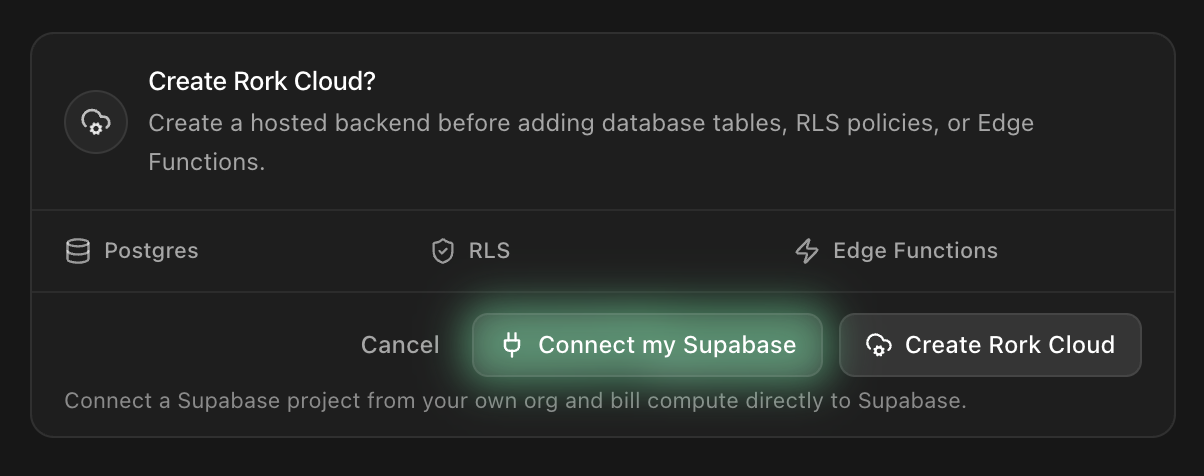
You can now connect your own existing Supabase project into your apps. This lets you reuse existing Supabase projects in Rork and use the Supabase dashboard.

Connect a Supabase project from your own org

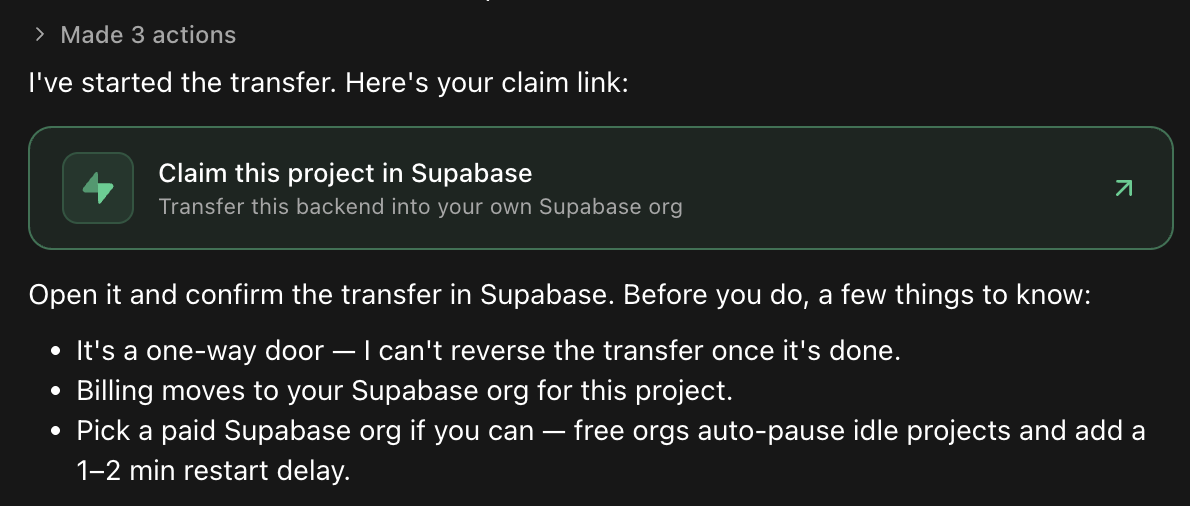
If you want to transfer an existing Rork-managed Supabase project into your own Supabase account, you can prompt Rork to start the transfer process for you.

Claim and transfer a Rork-managed backend into your own Supabase org

Top up credits

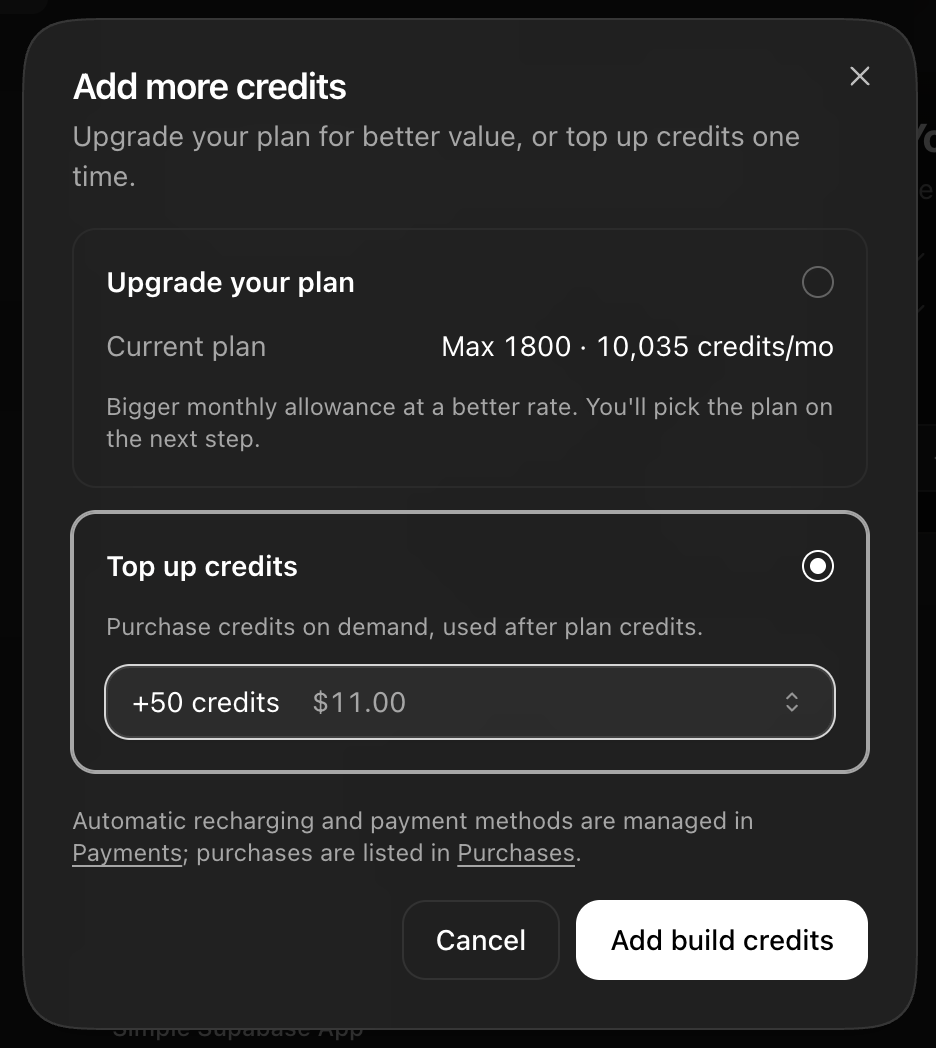
If you've consumed all your monthly credit usage, you can now "top up" credits and continue using Rork until your monthly credit limit resets.

We still recommend upgrading to higher-tier plan as the credits are discounted and will save you money on the long run.

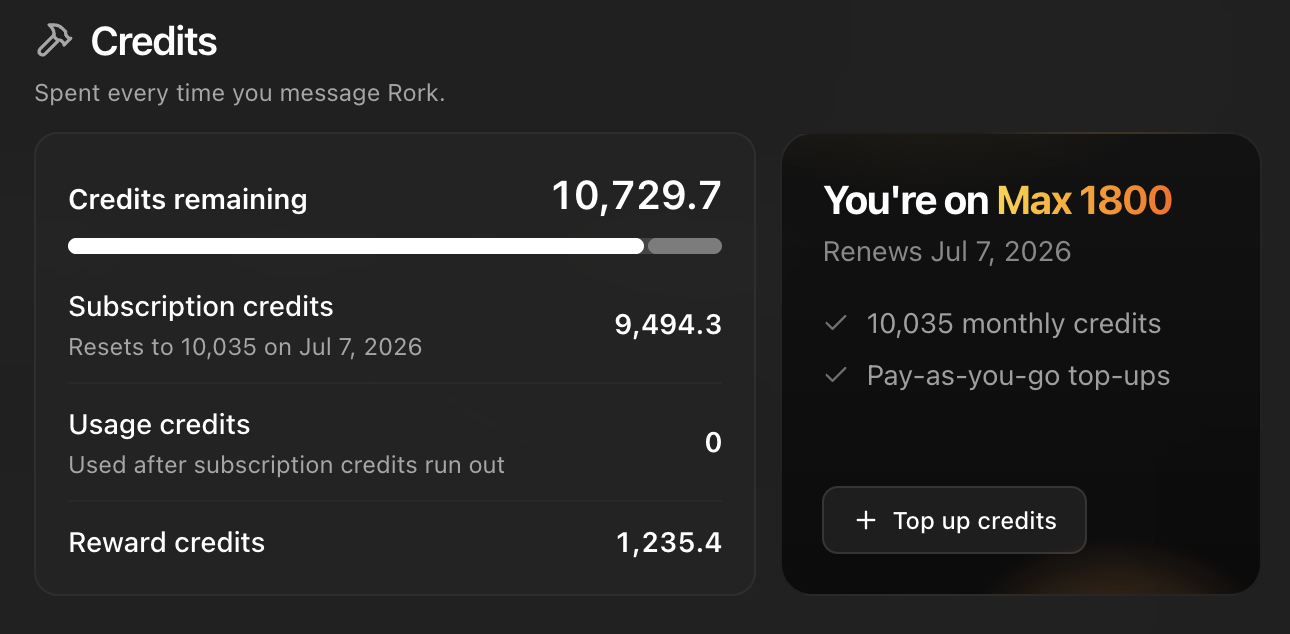
To top up your credits, go to Profile > Credits > Top up credits

Your credits in Profile, with the Top up credits button

The Add more credits dialog — upgrade your plan or top up one time

3D asset generation for every project

  • 3D and asset generation now available on all plans (previously gated)
  • Works across React Native, Kotlin, and Web projects
  • Lighter, faster-loading models via texture compression
  • Humanoid animations confirmed in parallel with mesh generation
  • Unified 3D chat widget with explicit approval — no surprise auto-approve
  • Faster 3D previews

Improvements

General
  • Fixed an error with overly long messages sent to Rork
  • Feature flags now evaluated server-side (also fixes ad/tracker-blocker breakage, e.g. Arc)
  • Added a tooltip making it clearer why revert/undo is locked during a running message
  • Support moved from the a little bubble to a Support menu item
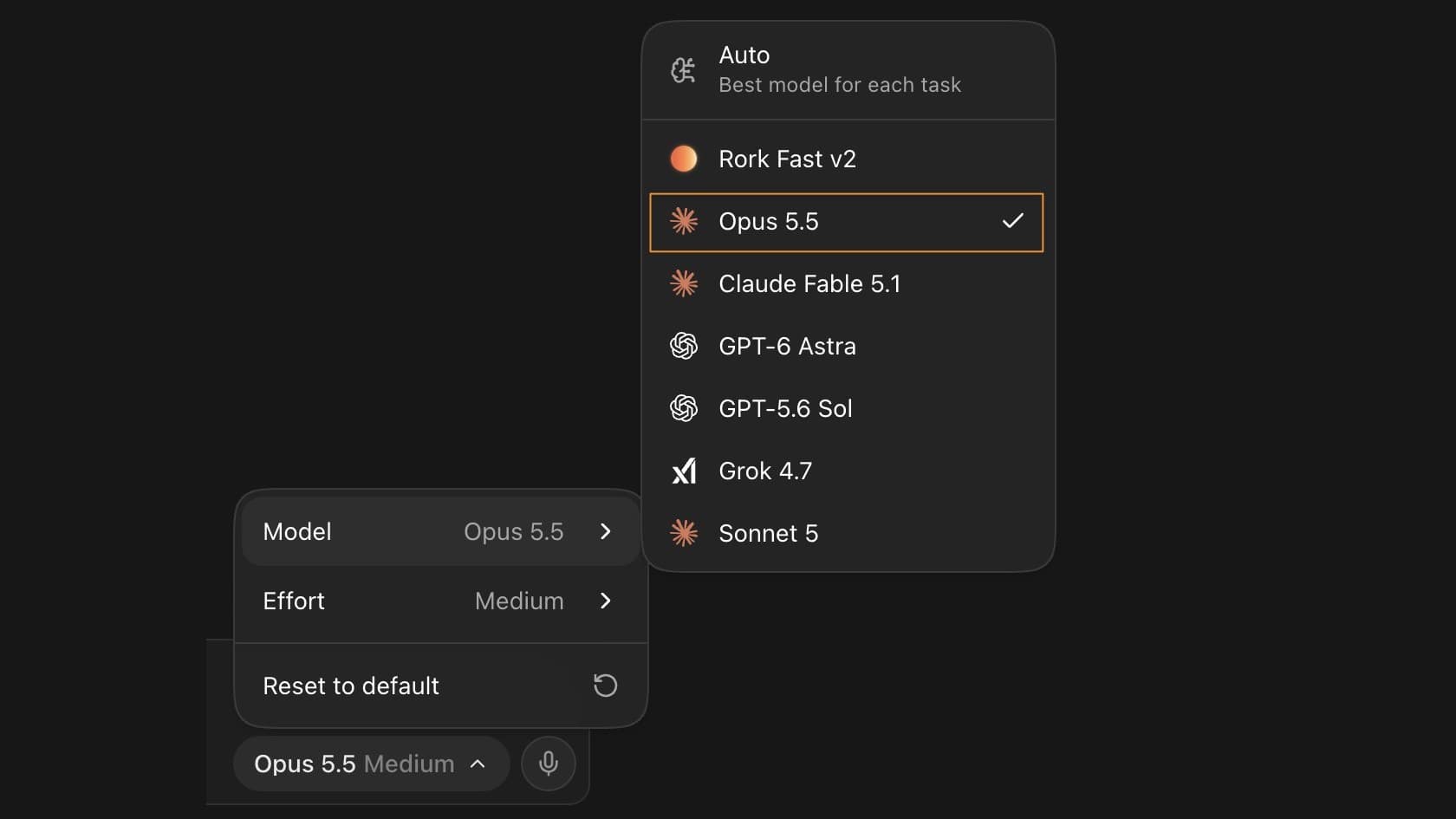
  • New mobile model picker — choose models on mobile web
3D
  • Compressed GLB textures — models load lighter and faster
App Store
  • CocoaPods prebuild failures now surfaced clearly
Performance
  • 2-5x faster project page loads
  • Rork starts 30–50% faster for large projects
  • Faster streaming git sync

Fixes

General
  • Typing in Chinese, Japanese, or Korean no longer sends your message mid-word
  • Send button stays available while Rork is replying
  • File saves safely blocked during project updates
  • Chat no longer breaks when using your browser's auto-translate
  • Back button no longer gets stuck closing dialogs
Previews
  • Preview crashes now keep the full error details, so they get fixed faster
  • Kotlin preview no longer flashes (install retries capped)
Hosting
  • Legacy and Expo live URLs resolve to the right deployment
  • Published sites recover instead of getting permanently stuck after a bad deploy
3D
  • Cleaner Meshy animation GLBs (mesh and texture stripped)
  • Animation preview playback fixed
Agent
  • Inline images capped under provider limits — no more failed sends
  • Unicode preserved in truncated context
  • Toolkit SDK auto-install restored
App Store & mobile
  • Fixed projects that could publish to the wrong App Store listing
  • Fixed a freeze on the App Store publishing screen