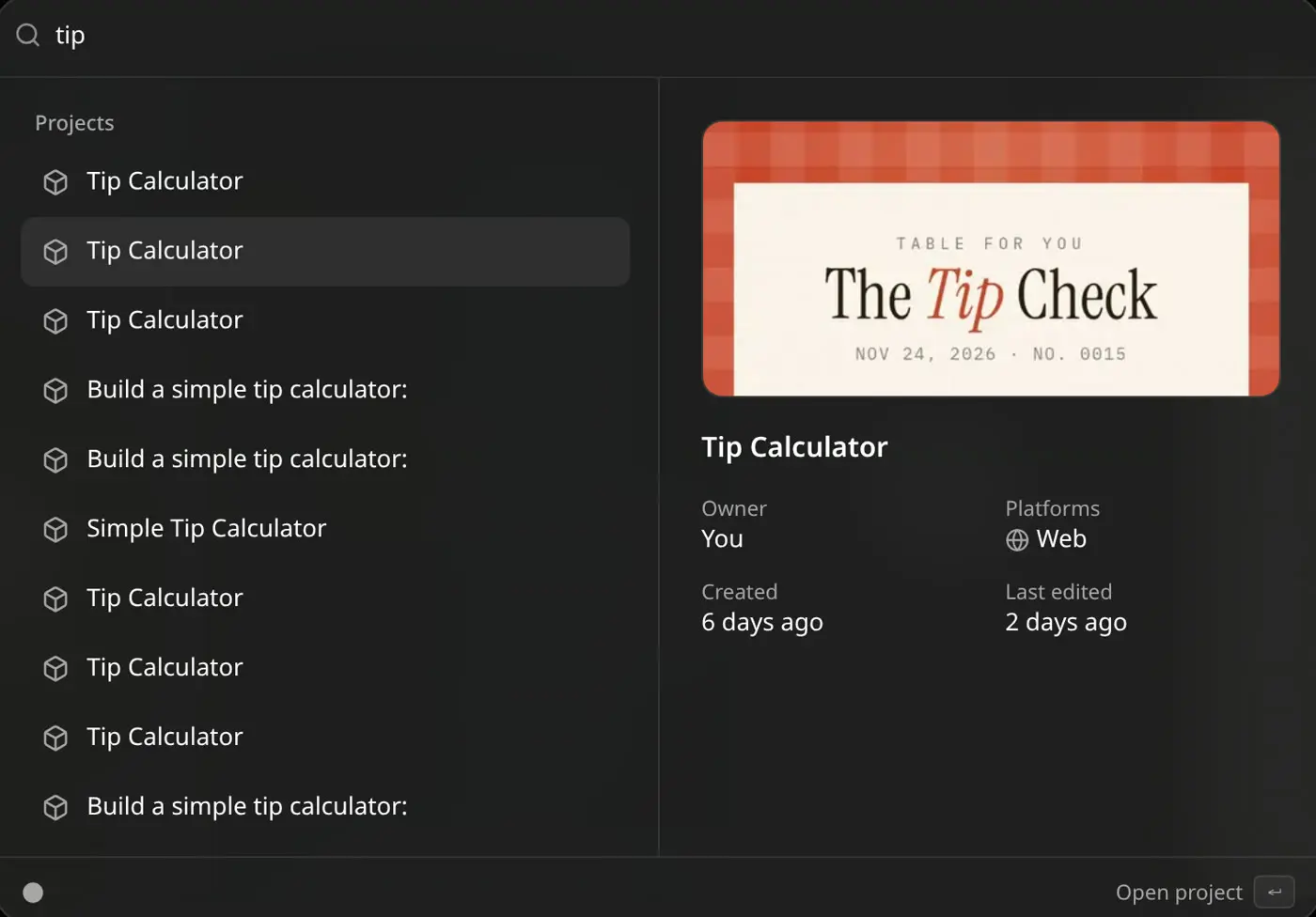
Press ⌘K, or Ctrl K on Windows, and search now looks through all of your projects. Before, it only found the twelve you opened most recently, so an older project could seem to be gone.
Previews
- iPhone and Android previews work again in Safari and on iPhone and iPad browsers
- When an Android preview's emulator ends, Rork starts a new one by itself instead of stopping on "Emulator unavailable"
- The Android preview shows the QR code for installing your app right beside the phone
- A preview that has stopped shows a blurred picture of your own app instead of a stock wallpaper
Fixes
General
- A long word or link in a message you sent wraps instead of being cut off
- Projects open on older browsers (Chrome before 103, Safari before 16) instead of showing a crash screen
- When previews are not available in your region, Rork says so in your language instead of asking you to try again in a few minutes
Chat
- A very long reply, one that runs past five hours, keeps its work instead of failing
- A reply is no longer left hanging or lost when Rork restarts part of its service: it carries on, or fails at once with a reason and a Retry
- A stopped message really stops
Websites and apps
- A website's server code updates on its custom domain as soon as you publish
- Expo apps that use expo-sqlite publish their preview again
- A Kotlin app picks up changed settings on its next build instead of keeping old values
- A 3D preview keeps your full description when it has many visual details
App Store
- When an App Store upload is refused over a missing capability, Rork names the capability and how to fix it
- An expired Apple session asks you to sign in again instead of showing Apple's raw message
- When your Apple ID cannot see an app, Rork says not to retry with the same Apple ID
- Apps that use Sensitive Content Analysis or Journaling Suggestions keep those features switched on