If you run a gym, a boutique studio, or a small chain, you've sat through the demos. Mindbody, Glofox, Mariana Tek, Walla, Zen Planner. Each one books classes, takes payments, and tracks members. Each one also does it in a way that's almost right for your studio and slightly wrong in the ways that matter most.
The pattern is always the same. The member app carries the vendor's brand, not yours. The booking flow has steps you'd remove if you could. The waitlist logic doesn't match how you actually run a full class. The reporting is built for the average studio, and you are not the average studio. And the price quietly climbs with every location and every add-on.
In 2026 the math changed. A studio owner can ship a custom native app, under their own name, that fits exactly how they run classes, for a fraction of what the vertical SaaS costs once you add up all the tiers and per-location fees. This is the playbook.
What a Custom Gym App Actually Does
For a typical studio or small gym, the app splits into two experiences from one project.
Member App (iOS + Android + web)
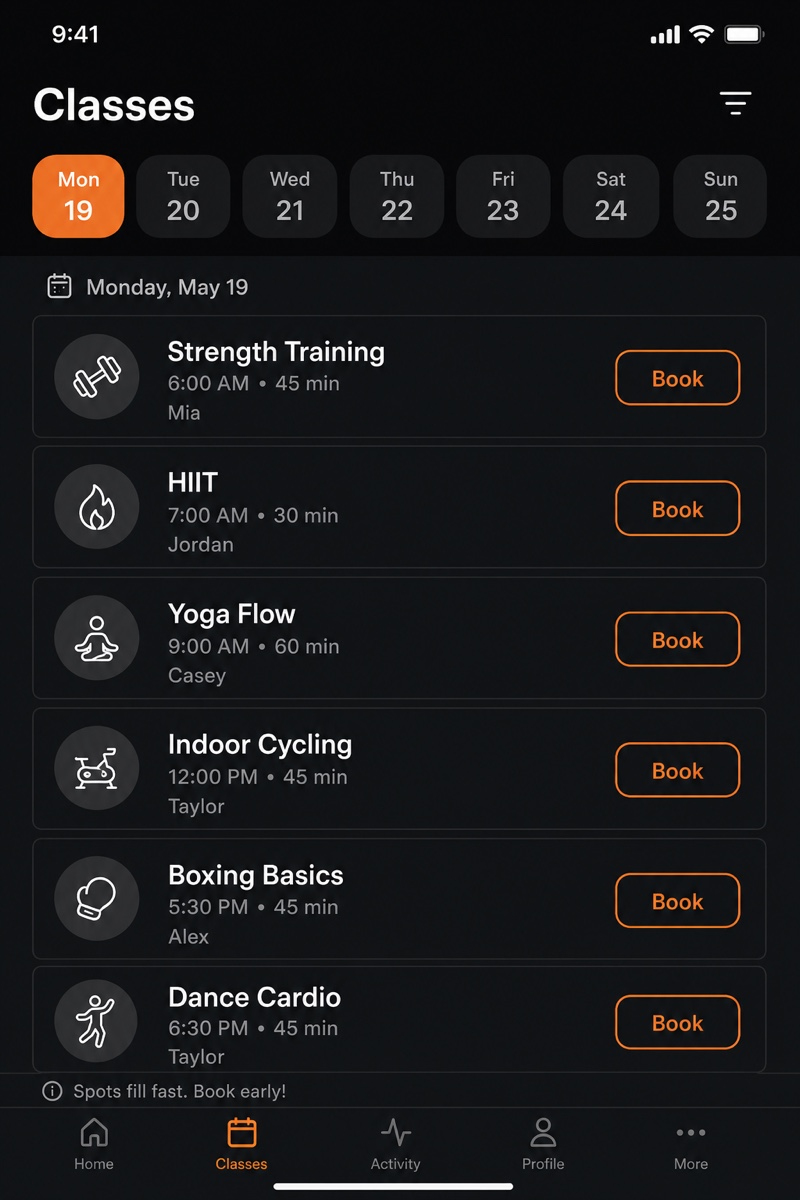
- Class schedule. The live timetable, filterable by instructor, class type, and time.
- Booking. Reserve a spot in one tap. Cancel within your policy window.
- Waitlist. Join when a class is full; get auto-promoted and notified when a spot opens.
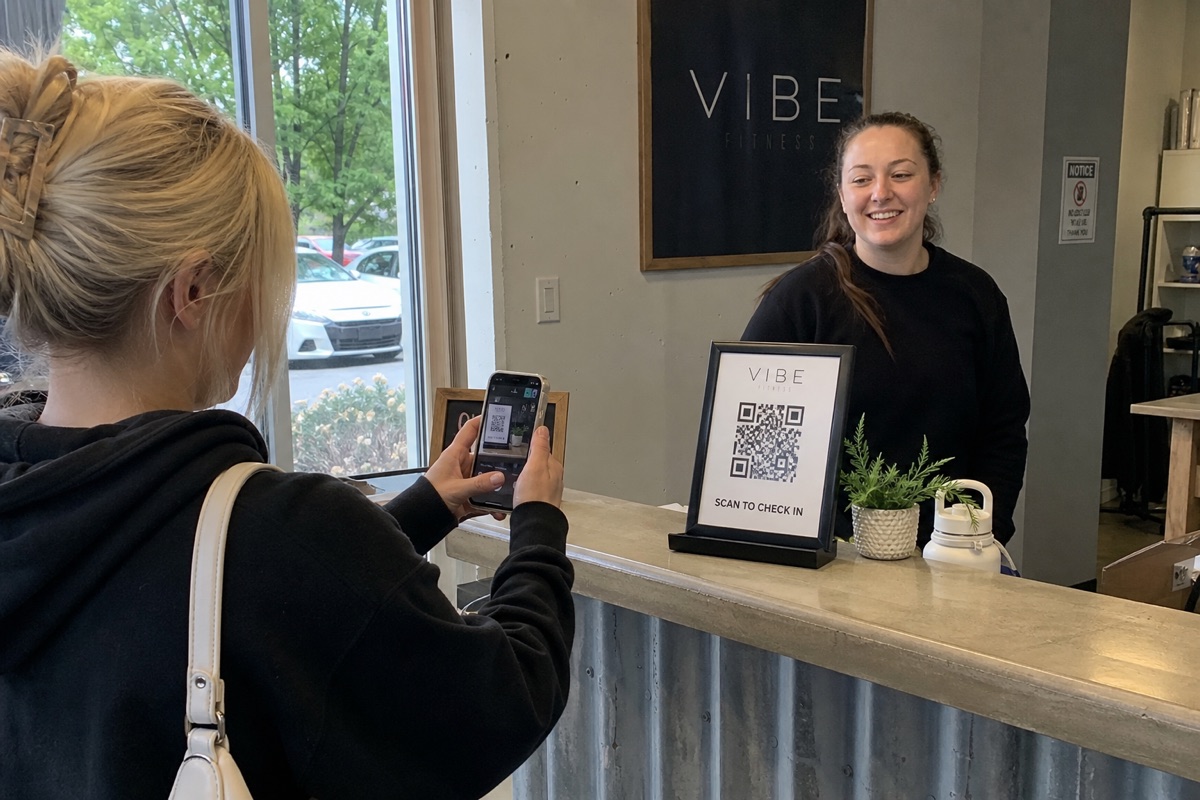
- QR check-in. Show a QR code at the front desk, or have staff scan it on arrival.
- Membership. See current plan, remaining class credits, renewal date.
- Payments. Buy a membership, a class pack, or a drop-in. Update a card.
- Push notifications. Class reminders, waitlist spots, renewal nudges.
Staff App (same Rork project, different role)
- Today's roster. Who's booked into each class, in real time.
- Check-in scanner. Scan member QR codes as they arrive.
- Waitlist management. See and override the auto-promotion queue.
- Attendance. Mark who showed; flag no-shows.
- Member lookup. Find a member, see their history, message them.
Owner View (web target)
- Attendance and utilization by class, instructor, and time slot.
- Membership mix (how many on unlimited vs. packs vs. drop-in).
- Retention signals (who hasn't checked in recently).
- Revenue by membership type and by location.
Most studios run a combination of their booking SaaS plus a separate email tool, a separate payment setup, and a spreadsheet to make sense of it all. The custom build folds those into one app that you own and that carries your brand.
The Stack You Build On
- Rork for the cross-platform native app (iOS + Android + web from one project). Rork includes a managed backend (Rork Cloud) with Postgres, auth, and storage, so you don't provision a separate database. For native Swift and the full Apple ecosystem, you move up to Rork Max.
- Rork Auth for sign-in. Members and staff sign in with Google or Apple via Rork Auth, with their role determining what they see.
- Stripe (or a similar processor) for recurring membership billing, class packs, and drop-ins. Your app reflects payment status; Stripe handles the charge, tax, and refunds.
- Push notifications, built in as a native capability, for reminders, waitlist promotions, and renewals.
- QR check-in, also native, for the front-desk arrival flow.
Because the backend is managed by Rork, there's no separate database account to administer and no extra hosting bill. You're paying for Rork plus your payment processor's fees, not a stack of SaaS subscriptions.
A realistic all-in cost for a single-location studio:
- Rork: from $20/month on Rork Pro (or Rork Max at $200/month if you need native Swift / the full Apple ecosystem)
- Apple + Google developer accounts: ~$10/month amortized
- Stripe: per-transaction fees only
That's a small fixed monthly cost plus processing fees, versus the per-location, per-feature SaaS pricing you're escaping.
How the Custom Build Compares
| Capability | Vertical SaaS (Mindbody, Glofox, Walla, Mariana Tek, Zen Planner) | Custom app on Rork |
|---|---|---|
| Member app branding | Vendor-branded or limited white-label, often a paid upgrade | Fully your brand, your name in the App Store |
| Booking flow | Fixed steps; you adapt to it | Built around how you actually run classes |
| Waitlist logic | Generic; hard to tweak | Exactly your auto-promotion and confirmation rules |
| QR check-in | Often an add-on or hardware-tied | Native, in your own staff app |
| Pricing as you grow | Climbs per location and per feature | Flat Rork plan plus processing fees |
| Reporting | Built for the average studio | The exact metrics you care about |
| Member + staff in one place | Separate apps / portals | One project, two roles |
The point isn't that the SaaS tools are bad. They're fine for a studio that fits their mold. The point is that if you've been fighting yours, the gap is now cheap to close.
The Build Sequence
You don't build all of this at once. Ship the part members touch first, then layer in staff and owner features.
Week 1: Foundation + Schedule
- Sign-in with Google and Apple via Rork Auth, with member and staff roles.
- Core tables (Member, Class, Booking, Membership, Payment).
- The class schedule screen, pulling from your timetable.
- Member detail and membership status.
Week 2: Booking + Waitlists
- One-tap booking with your cancellation-window policy.
- Waitlist per class with automatic promotion when a spot opens.
- Push notification when a member is promoted off the waitlist.
- Booking confirmations and reminders via push.
Week 3: Check-In + Staff App
- QR code generation in the member app.
- QR scanner in the staff app for front-desk arrivals.
- Today's roster view for staff, in real time.
- Attendance marking and no-show flags.
Week 4: Payments + Memberships
- Stripe integration for recurring memberships, class packs, and drop-ins.
- Membership status updates when a charge succeeds or fails.
- Renewal reminders via push notification.
- Owner view: attendance, utilization, membership mix, retention signals.
By the end of the month, members are booking and checking in on an app with your name on it, and your front desk is running the day from the staff app. Everything after that is iteration, not a rebuild.
Where Retention Actually Comes From
Fitness retention is mostly about attendance. Members who keep showing up keep paying; members who drift for two weeks tend to cancel. The app is your lever on that.
- Waitlist promotions keep popular classes full and give members the win of getting in.
- Class reminders reduce no-shows, which keeps spots available for people who'll use them.
- Lapse nudges ("we've missed you") to members who haven't checked in catch churn before it happens.
- Renewal reminders prevent surprise failed charges that turn into cancellations.
None of this is exotic. It's the same handful of push notifications, timed well, that the expensive software either doesn't do or buries behind a tier. Owning the app means you control exactly when and to whom they fire.
A Note on Honesty
Two things to be straight about before you start.
Payments and App Store rules. Recurring membership billing typically runs through Stripe. But if you sell certain consumer digital goods through an iOS app, Apple may require in-app purchases instead. Check what applies to your specific products before launch rather than after a rejection.
You will iterate. The booking and check-in flow is the part members touch every single day, so it has to be right. Plan to spend the first few weeks refining it with real members rather than expecting it perfect on day one. That's the trade for an app that fits your studio instead of one that almost does.
What to Do This Week
If you've been comparing Mindbody to Glofox to Walla and none of them fit how you actually run your studio:
- Open Rork. Start on the free plan; move to Rork Pro from $20/month, or Rork Max at $200/month if you need native Swift.
- Describe your studio in plain English: your membership tiers, your class schedule, your cancellation policy, how you want check-in to work.
- Build the schedule and booking flow first, in the first week. That's what members touch.
- Add the staff check-in app and waitlists next.
- Layer in Stripe payments and the owner view last.
By the end of the month you have a custom gym app, under your own brand, that fits how you run classes exactly. The SaaS quote stays unsigned, and your members are booking on an app with your name on it.
See also: