For Android, shortlist the builders that support both your required features and your release workflow. Rork offers Kotlin and Compose. Bolt and Replit offer React Native through Expo. FlutterFlow, Adalo and Thunkable provide visual building options. Those are different development approaches, not a ranking of finished-app quality.
Documentation checked September 22, 2026. Published by Rork. We did not run a controlled Android performance benchmark or a store submission test for this comparison.
Compare the Android release path
| Builder | Android approach | What to verify before committing |
|---|---|---|
| Rork | Kotlin and Jetpack Compose | Test your device integrations and complete the Google Play setup |
| Bolt | Expo | Follow the external build and publishing steps in its Expo guide |
| Replit | React Native and Expo | Android preview is supported; Google Play publishing is not currently supported in its documented workflow |
| FlutterFlow | Flutter | Configure signing, Play Console access and the first testing release |
| Adalo | Visual mobile builder | Check publishing plan, data limits and required components |
| Thunkable | Visual mobile builder | Check component support and the Android App Bundle publishing process |
Sources: Rork Android, Bolt Expo, Replit mobile, FlutterFlow Google Play, Adalo publishing, Thunkable Android publishing.
When Kotlin and Compose matter
Rork's Android workflow generates Kotlin and Jetpack Compose, provides a cloud emulator and prepares releases for Google Play. This is worth evaluating when your team wants Android-specific code and tooling. It does not make every generated feature complete or remove the need to test permissions, background work and device behavior.
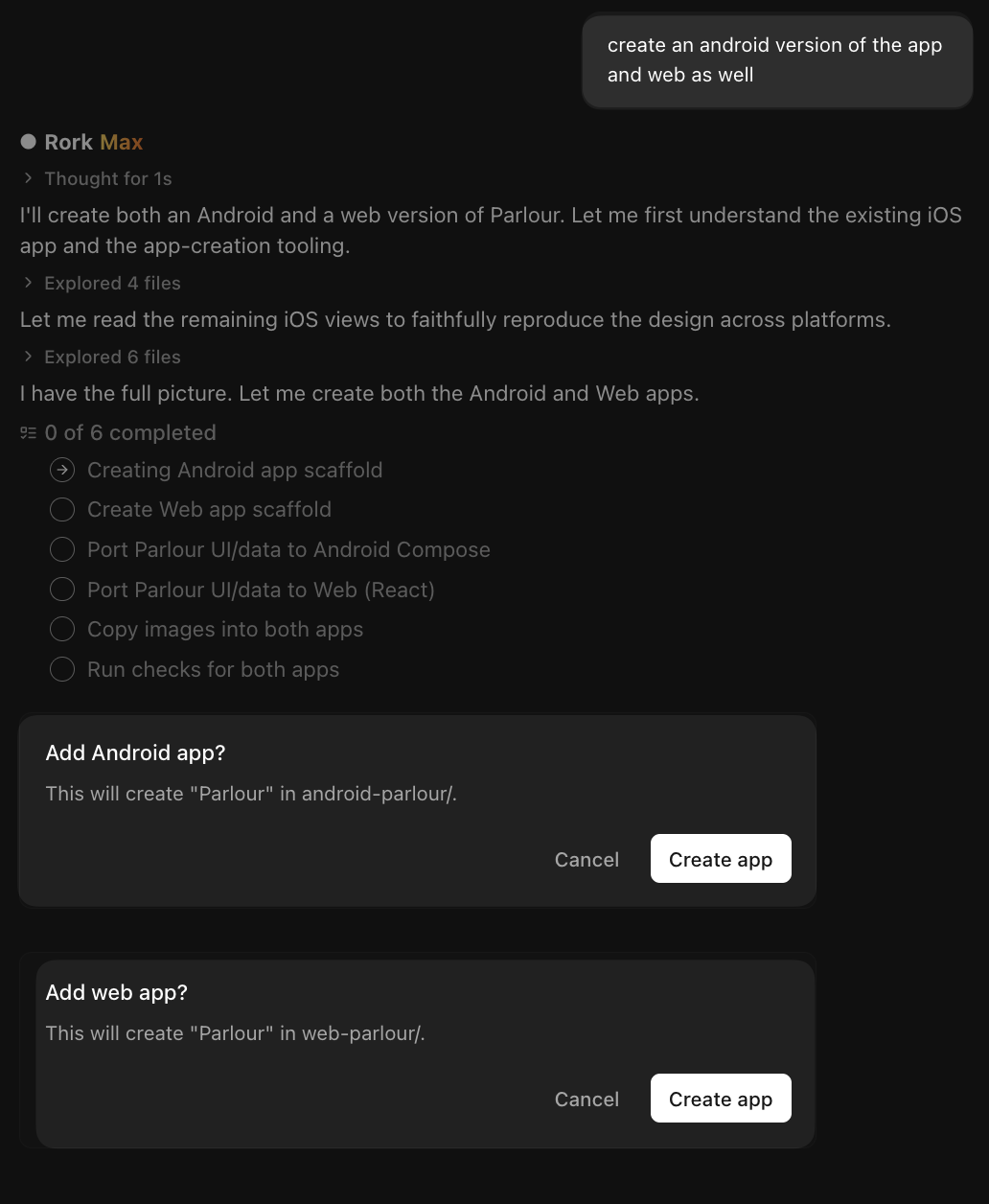
New Rork projects should not be described as a shared Expo codebase. For older apps, follow the separate Expo guidance. Adding another platform also means checking that platform's behavior.
When shared code or visual editing matters more
React Native is not a WebView wrapper. Shared mobile code can be useful when a team wants to maintain common behavior across iOS and Android. Check the native modules your app requires and whether they work in the chosen preview and release environment. A preview environment's limits are not necessarily the framework's limits.
Visual builders may suit a team that wants to adjust screens and flows directly. FlutterFlow offers code download on paid plans. For every candidate, test your most difficult workflow and confirm the plan's export and publishing terms before moving the whole project.
If a browser-based form or dashboard meets the need, compare web options too. Lovable documents web apps. A separate wrapper or native rebuild has its own testing and release work; see Lovable mobile options.
Measure performance instead of assuming it
We have no measured evidence here that a Rork app is faster than every React Native, Flutter or web implementation. Compare the same screen, data set, device and network conditions. Record cold startup, scrolling, memory use and completion of the user's main task. Test a release build rather than relying only on a development preview.
For repeatable Android measurements, use the official Macrobenchmark guidance. Also test the failures that affect your users: loss of connection, denied permissions and interrupted uploads. Use those results to choose or improve the implementation.
Make a shortlist you can actually test
Choose two candidates based on the hardest requirement, not the easiest demo. If it is Kotlin integration, start with Rork for Android. If it is shared mobile code, include an Expo or Flutter workflow. If the team prefers visual editing, include a visual builder. A promised Android preview is insufficient when your requirement is a Google Play release.
The broader mobile builder comparison covers selection criteria, publishing distinctions and cost assumptions. Keep builder fees, device testing, backend usage and maintenance in the same budget. No builder subscription guarantees store approval.